
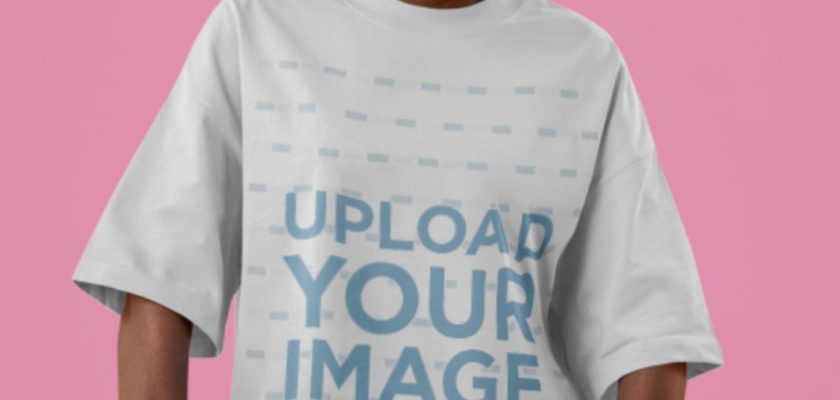
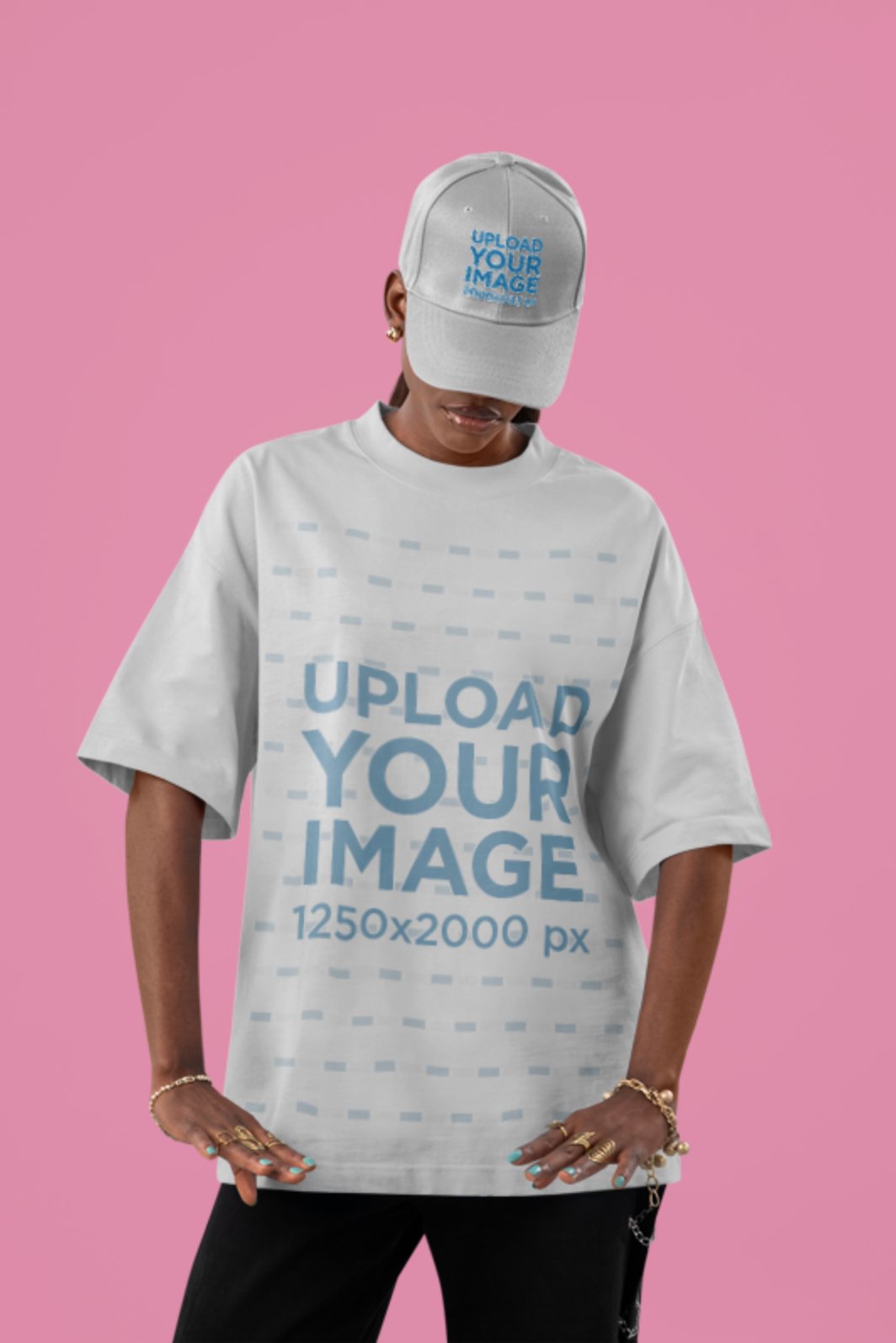
This customizable t-shirt mockup puts your design on an oversized white tee, worn by a model in a pink studio. It’s a free template on Placeit that you edit right in the browser: upload your artwork, check the preview, download the image. No Photoshop, no PSD to unpack.
Prefer a file you keep? The free black t-shirt mockup generator does the same job on dark fabric, and the white tee PSD with a guide layer is a straight download.
What you can customize
Two things, and the second is the reason I picked this one. The shirt has a big front print area, sized for artwork at 1250 × 2000 px. The model also wears a dad hat with its own upload slot, so a chest graphic and a cap logo end up in one shot. If you sell matching merch, that saves you a second mockup.
The pink backdrop flatters bright streetwear graphics, pastel palettes and big type. Very dark, moody designs can look a bit lost on it.
How to use the free t-shirt mockup
- Open the free oversized t-shirt mockup on Placeit. It opens straight in the editor.
- Upload your design for the shirt, and a logo for the cap if you want one. A transparent PNG keeps the white box off the fabric.
- Download. Placeit asks you to sign in with a free account first, no card needed.
