
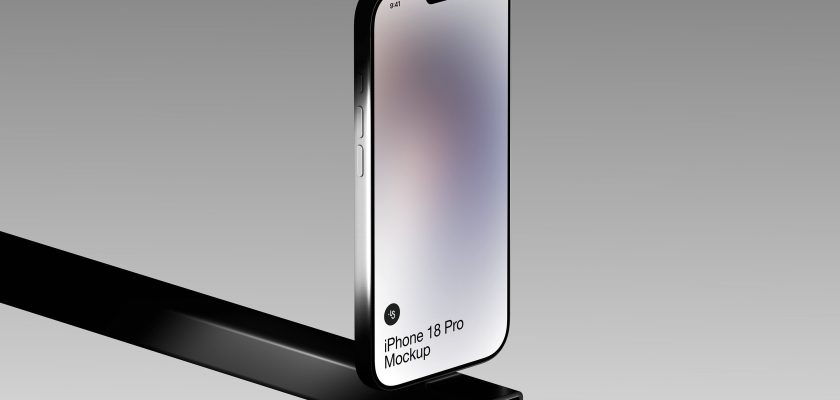
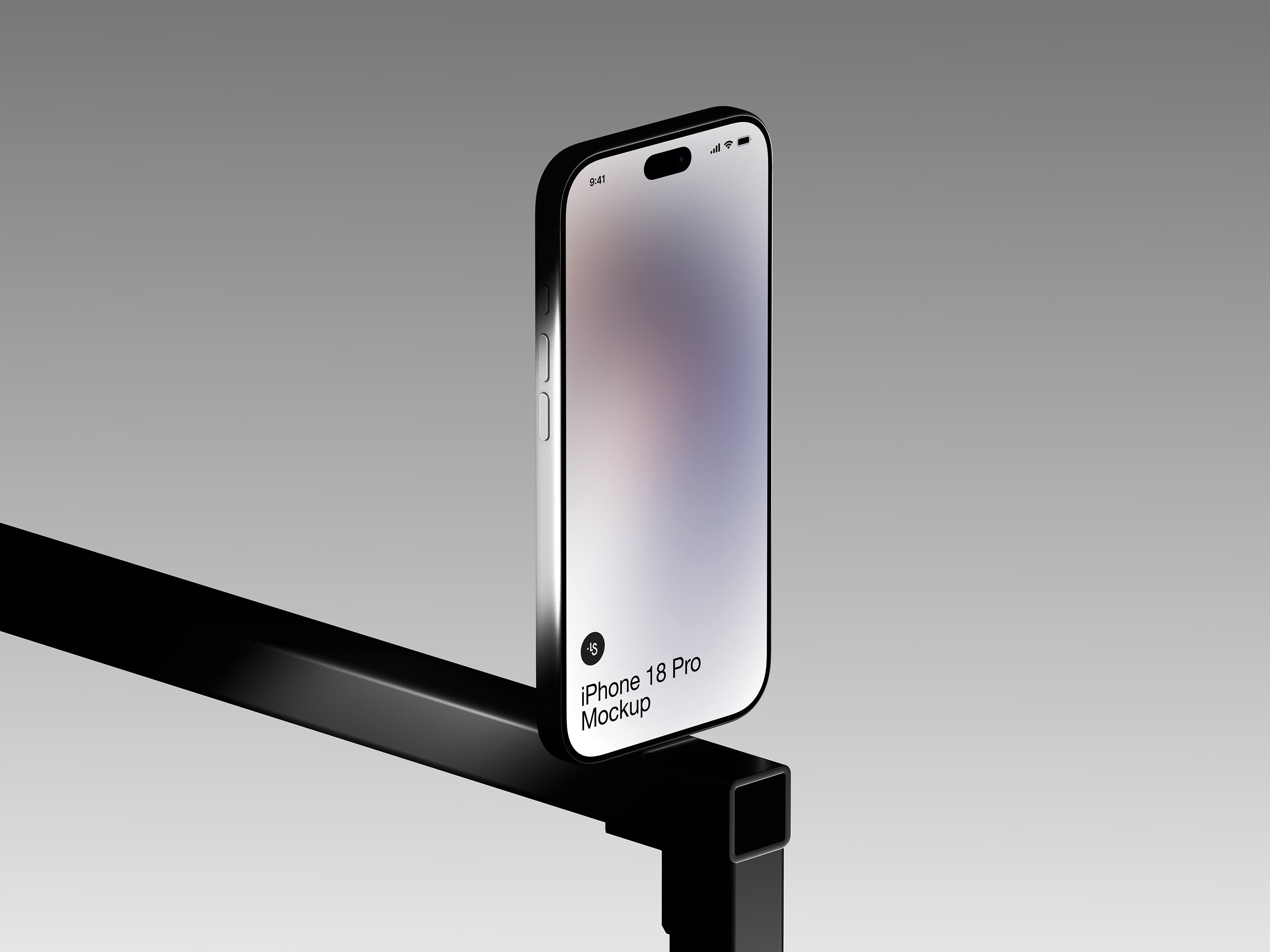
This free iPhone 18 Pro mockup stands the phone upright on the edge of a black steel beam, turned slightly to the right, against a soft grey backdrop. It’s a 6K scene from LS.Graphics, and you can download it as a PSD, Figma or Sketch file. Free for personal and commercial projects.
Most phone mockups lie flat on a desk or float in empty space. This one balances. That small bit of tension is the whole reason I picked it.
What’s in the free iPhone 18 Pro mockup
- One scene: Scene 2 from LS.Graphics’ AR-Mockups iPhone 18 Pro set, the only free one out of twelve
- 6K resolution: 6000 × 4500 px
- Source files for Photoshop (PSD), Figma and Sketch
- A screen placeholder you drop your own design into
- A fully isolated device with calibrated lighting and realistic materials, as LS.Graphics puts it
- License: free for personal and commercial work
The composition is doing a lot of quiet work here. The beam cuts in from the left on a diagonal and walks your eye straight up to the screen. The background is plain grey with nothing competing for attention. And the top-left corner stays empty, which is exactly where a headline goes if you turn this into a landing page hero or an App Store banner.
Before you download
The mockup is free, but LS.Graphics asks you to sign in before the download starts. Registration is quick and a free account is enough.
How to use it in Photoshop or Figma
In Photoshop, open the screen layer, paste your design, save and close, and the scene picks it up. If you don’t have Photoshop yet, the free trial is enough to finish a few shots like this.
In Figma or Sketch, swap the screen layer for your frame. No plugins needed.
A few things I’d keep in mind:
Light UIs pop hardest. The phone has a dark frame, so a bright interface jumps right off it. Dark-mode screens still work, because the grey backdrop keeps the phone’s outline readable, but the effect is calmer.
Don’t ship the 6000 px file to your website. Export at half size or less for the web. Keep the full-size render for Behance, Dribbble or print.
Use the empty space. Crop wide and put your app name top left. The beam already leads the viewer to the product, so the text doesn’t need to fight for attention.
Where this scene works best
App launch posts, portfolio case studies, a hero image for a SaaS landing page. It suits products that want to look precise and a bit engineered: fintech, productivity tools, anything with an industrial or minimal brand. For a cozy lifestyle app, a mockup in hand will probably feel warmer.
Need more angles?
The same AR-Mockups iPhone 18 Pro set has eleven more scenes in the same style. They come with an LS.Graphics subscription: from $9/month for the online editor with PNG/JPG export, or $12/month to download the PSD, Sketch and Figma files.
More free iPhone mockups on Mckups
- iPhone 18 Pro mockup in a dark stone scene: the same phone with dramatic side lighting
- iPhone Duo mockup with an online editor: two phones, edited right in the browser
- iPhone 16 Pro mockup, top view: flat lay for screenshots and UI grids
Created by LS.Graphics. The free download is on their page.
