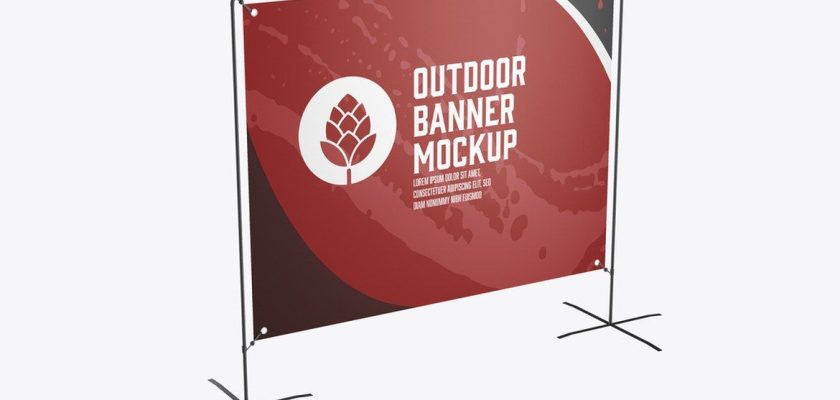
This free stand banner mockup is a Photoshop template of a printed banner stretched across a slim metal stand with cross-shaped feet. It’s 4500 × 4500 px and free to download from Adobe Stock.
You’ve walked past this stand at every street festival, 5K finish line and farmers’ market. Two poles, a crossbar, a printed banner held on by eyelets at the corners. Nothing fancy. Which is exactly why it makes a good mockup: the client sees their logo the way it will actually look on a Saturday morning outside, not floating in a glossy 3D render.
What’s in the free stand banner mockup PSD
- Photoshop template (PSDT), 4500 × 4500 px, RGB
- File size 115 MB
- Landscape banner on a freestanding metal frame, isolated on a light background
- Made by Roverto Castillo, part of the Adobe Stock free collection
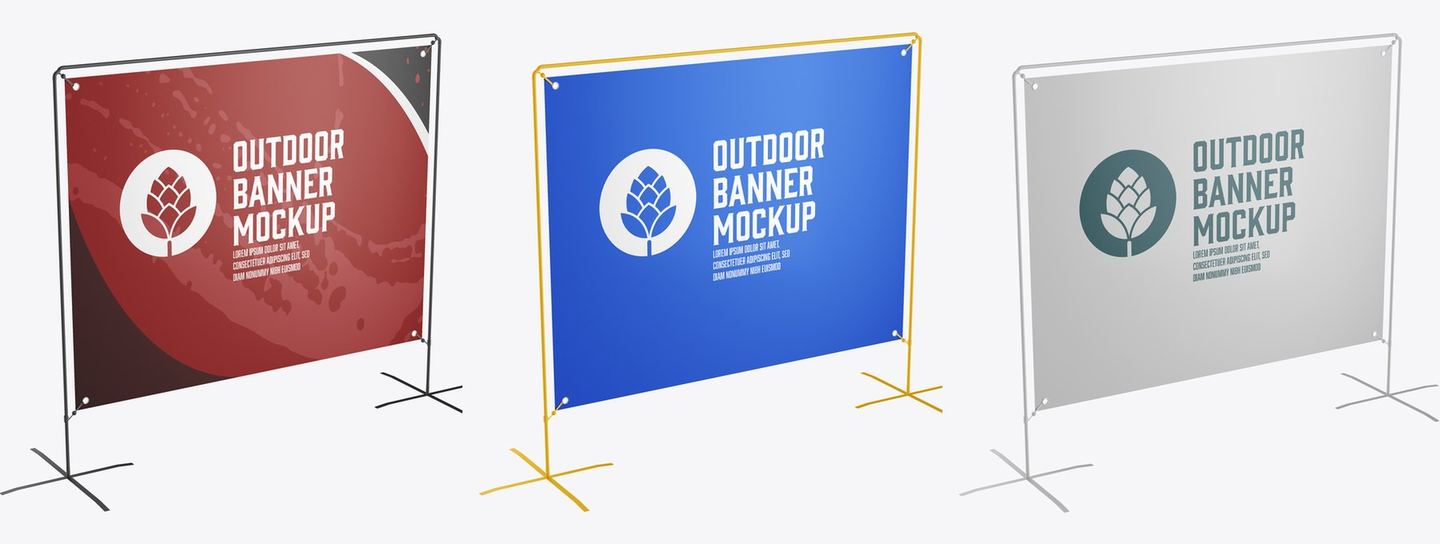
Adobe’s preview shows the frame in black, yellow and white, each with a different banner design. Black is the safe pick for a corporate client. Yellow reads as sports or kids’ events. White disappears and lets the print do all the talking.
Before you download
The file lives on Adobe Stock, in their free collection. You need a free Adobe account to grab it, and that’s the only step. No trial needed. The download button at the end of this post takes you straight to the file page.
How to put your design on the banner
Open the template in Adobe Photoshop, find the banner design layer in the Layers panel and swap in your artwork. Save, export, done.
One thing people get wrong with this kind of banner: the corners. Real eyelets punch through the print, so anything closer than a couple of centimetres to the edge gets a metal ring through it. Keep logos and text away from the corners in your artwork, and the mockup will show you straight away if you didn’t.
And go bigger than feels right. A banner like this gets read from ten metres away by someone walking past. A logo, one line, maybe a website. That’s the whole budget.
Looking for a tripod stand banner instead?
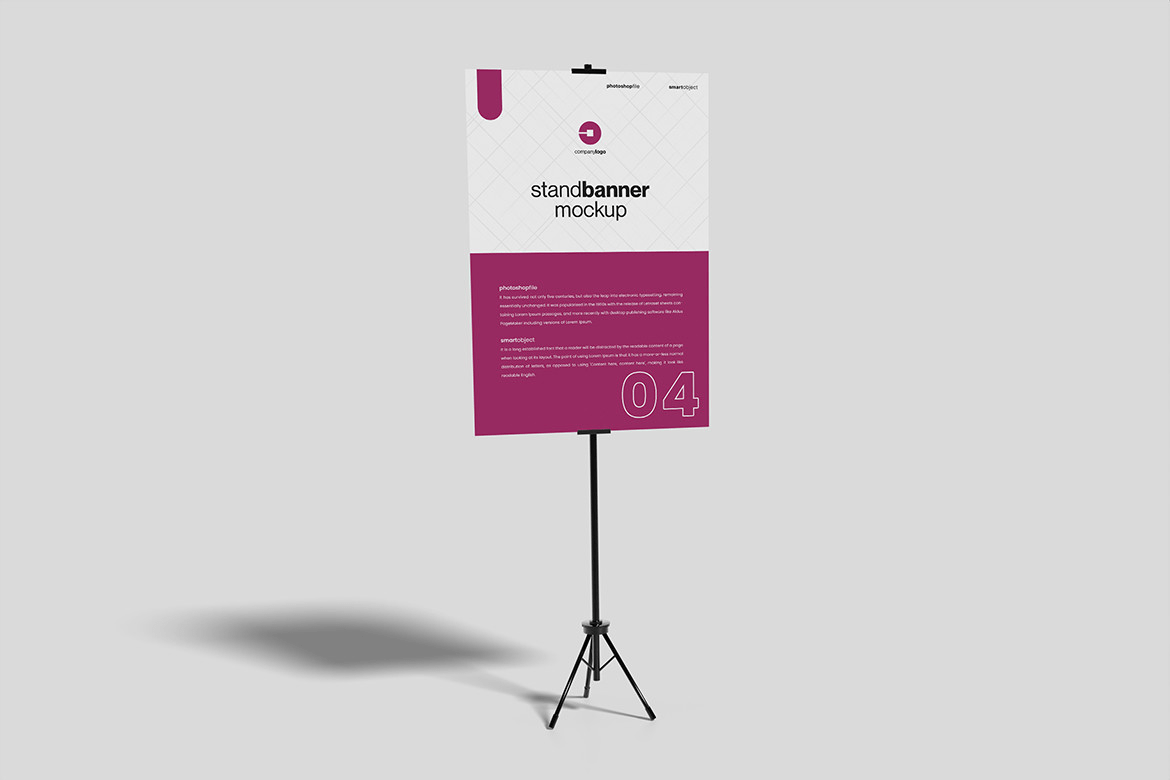
Different stand, different job. This one is a portrait board on a black tripod, the kind you see at wedding entrances, café doors and conference rooms. It’s a PSD by MA-KING_ART, 3000 × 2000 px at 300 DPI, with a smart object for the board design, a changeable background colour and a help file.
It’s a free download on Creative Fabrica: €0.00 with their free plan, which gives you 10 free downloads with a commercial licence. Cancel anytime.
Stand banner or roll-up banner?
Clients mix these up all the time. A stand banner is a printed banner or board held by a frame, tripod or poles. A roll-up banner (also called a pull-up) is a tall print that pulls out of a cassette base, usually around 85 × 200 cm, and lives at trade shows and receptions. If that’s what you need:
- Roll-up standing banner mockup: a 100 × 200 cm roll-up, front view with a slight angle
- Roll-up banner mockup set: several PSD scenes
- Designing the roll-up print itself? Adobe Stock has a free roll-up banner template for Illustrator, 33 × 80 in, CMYK. Free Adobe account needed.
Great for
Sponsor banners for a local race or a youth football club. Market stalls and food trucks. Event check-in points, outdoor brand activations, a “we’re open” sign for a new shop. And pitching: one render of the banner on its stand settles more “can the logo be bigger?” questions than any flat PDF.
More free display mockups
FAQ
Is this stand banner mockup really free?
Yes. The metal-frame stand banner is in Adobe Stock’s free collection, so you only need a free Adobe account. The tripod version further down is free too, on Creative Fabrica.
What size is the file?
4500 × 4500 px, RGB, about 115 MB. Big enough to crop a tight close-up of the banner for a portfolio.
Can I use it without Photoshop?
It’s a Photoshop template, so you’ll need Photoshop to edit it.
