
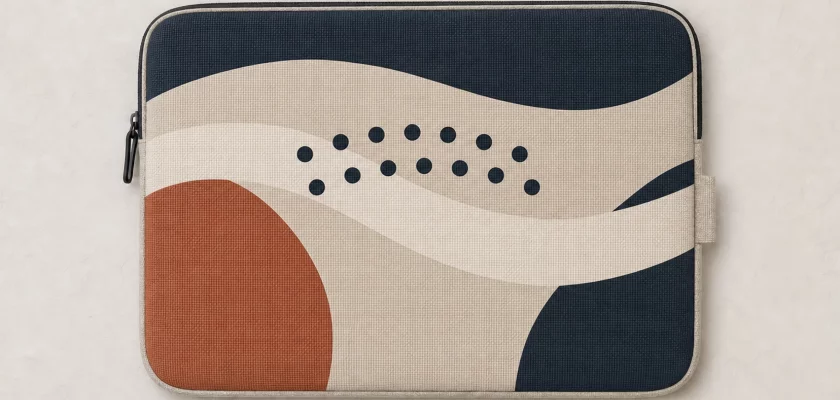
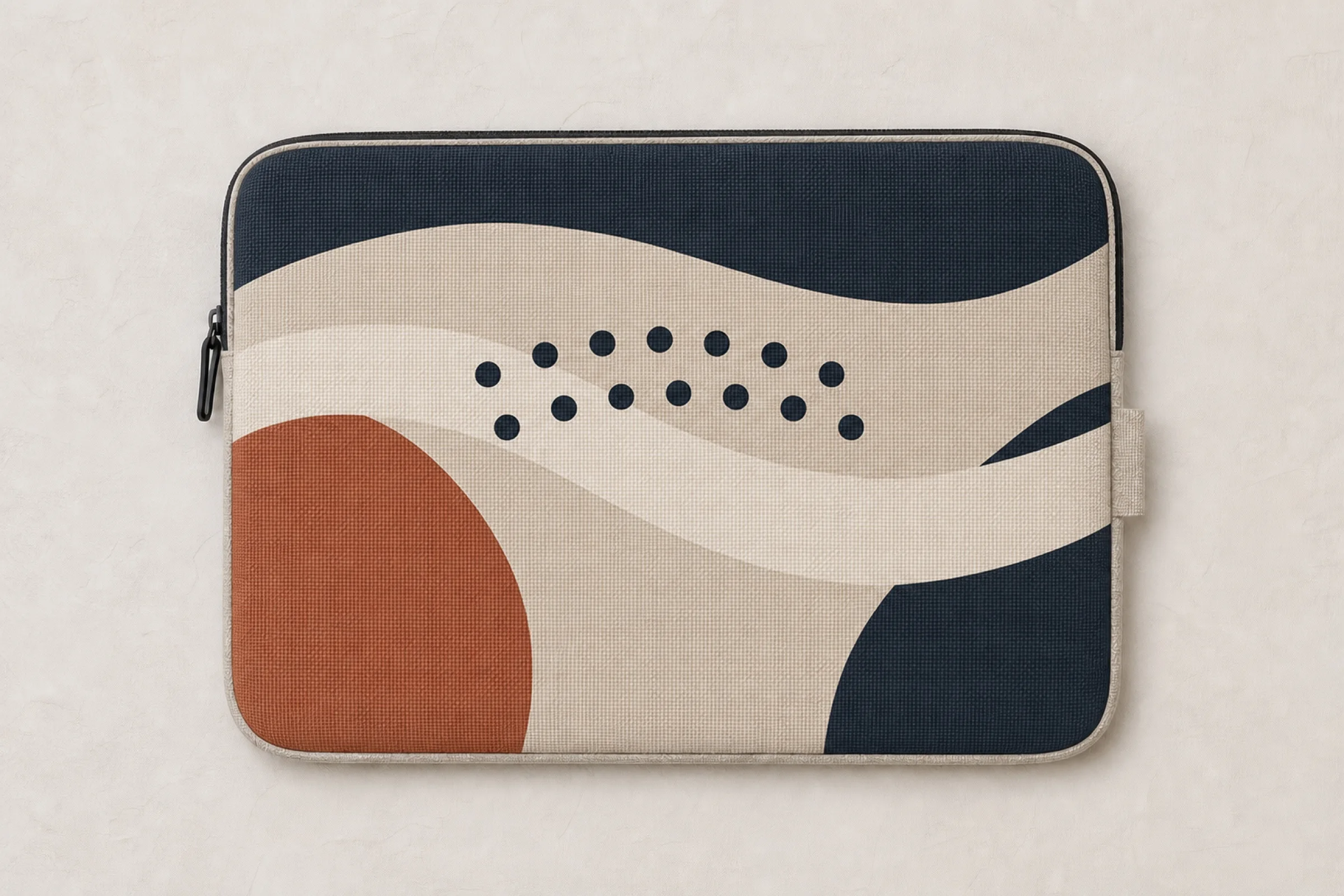
This free laptop sleeve mockup PSD pack gives you three photorealistic ways to present a logo, pattern, label, or illustration on textured fabric. Each 6400 × 4267 px scene includes a high-fidelity reference composite and an embedded Smart Object for adding your own artwork.
Three realistic laptop sleeve scenes
The pack starts with a clean top-down flat lay for product pages and brand presentations. A second scene shows a silver laptop halfway inside the sleeve, adding scale and context. The third is a relaxed lifestyle shot held by a person, ideal for portfolios, social campaigns, and online shops.
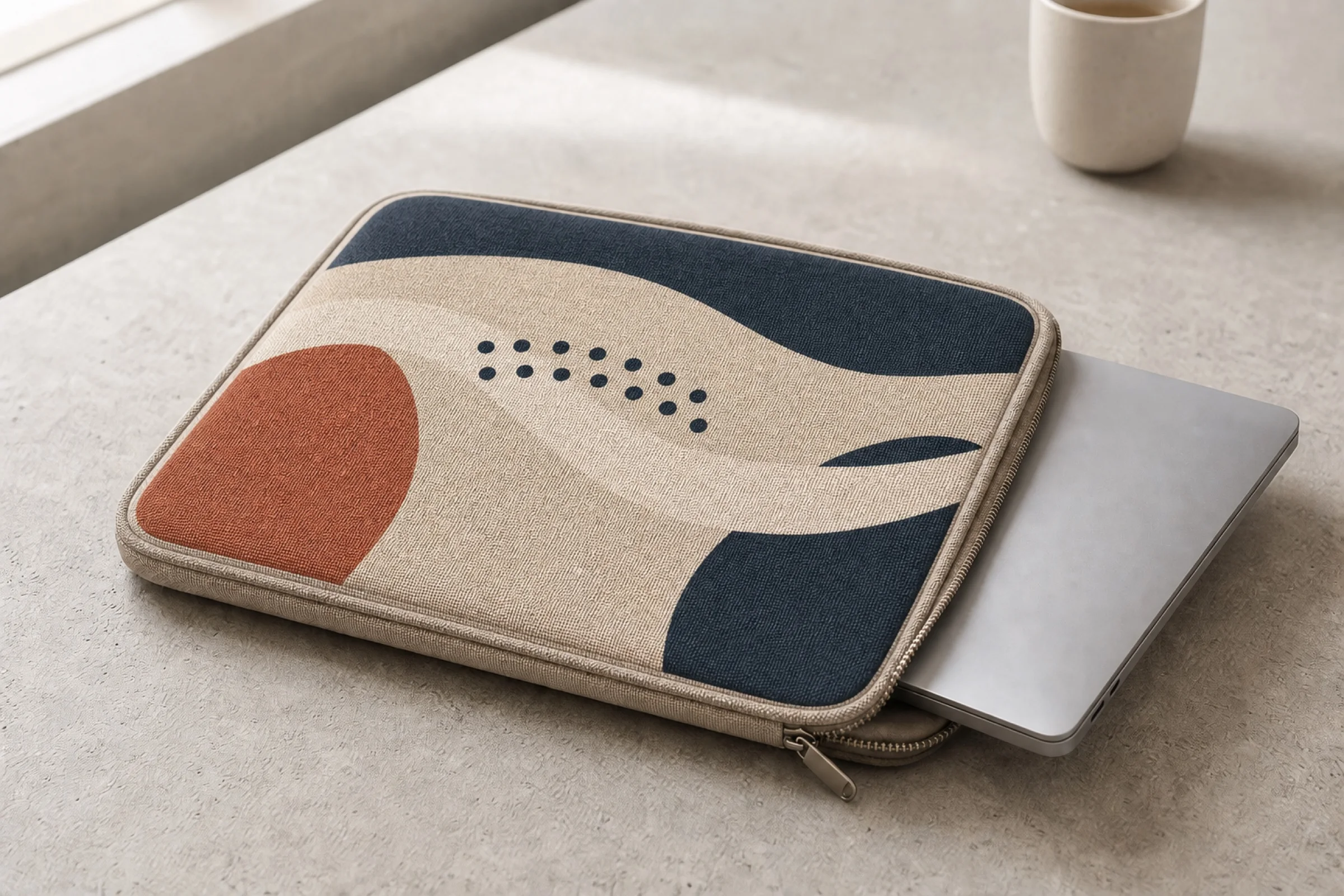
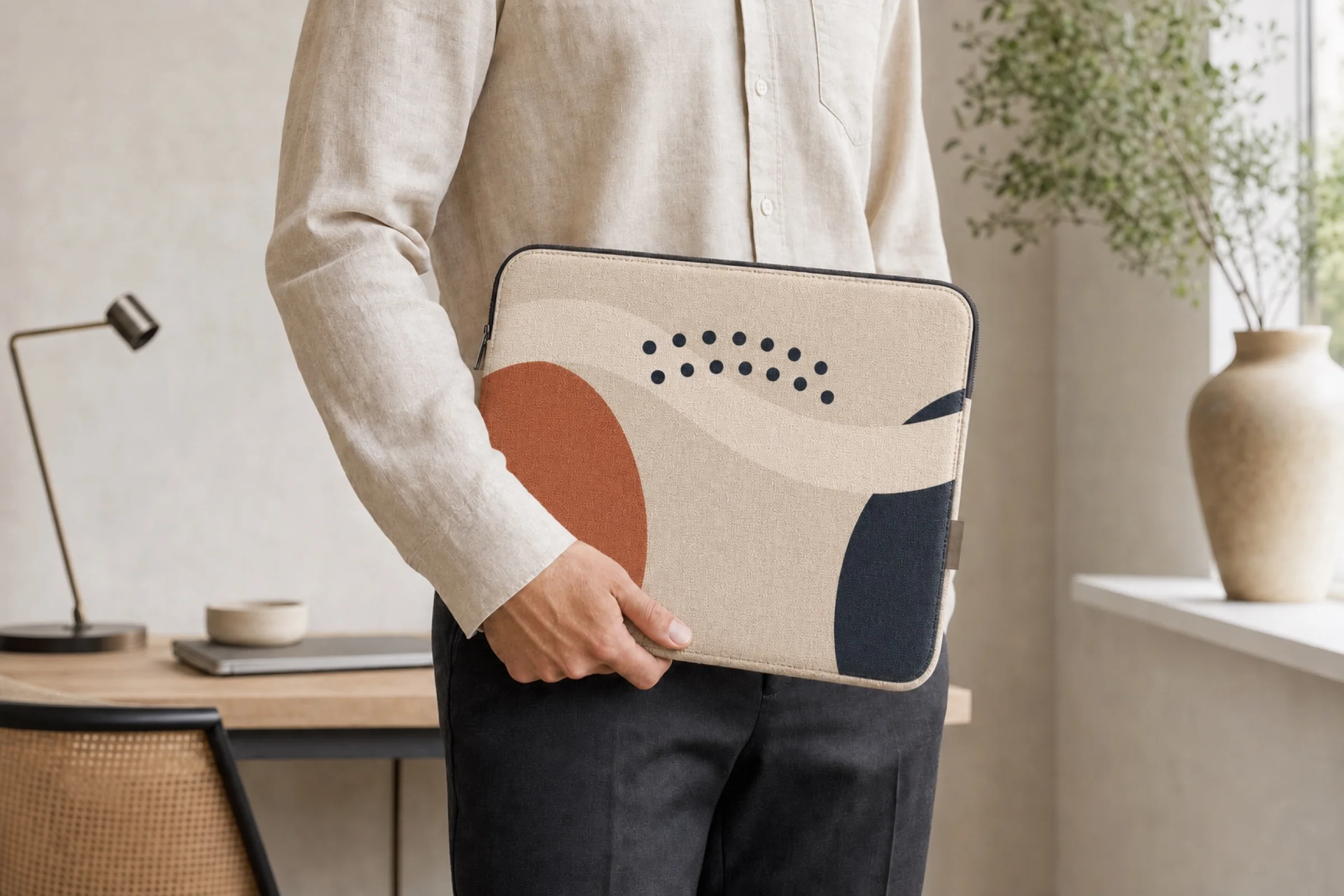
What is included
- Three layered PSD mockup scenes
- 6400 × 4267 px resolution
- Embedded Smart Object in every PSD
- Realistic woven texture, stitching, zipper details, and natural light
- JPG and WebP previews
- Free license for personal and commercial projects
How to edit the PSD mockup
Open a PSD and hide the layer named FINAL PREVIEW • Hide this layer to edit the Smart Object below. Then locate PLACE DESIGN HERE • Double-click thumbnail, open its Smart Object, paste your artwork into the PSB window, save it, and close the tab. The editable mockup keeps the prepared size, angle, mask, and fabric texture.
You can edit the files in Adobe Photoshop. For more accessory presentation ideas, pair this pack with the duffle bag mockup, baseball cap mockup, or winter hat label mockup.
Download the free laptop sleeve mockup
Use the three scenes for identity systems, merch concepts, ecommerce listings, pitch decks, and social media visuals. The coordinated neutral palette makes it easy to show one design across the full set.
