
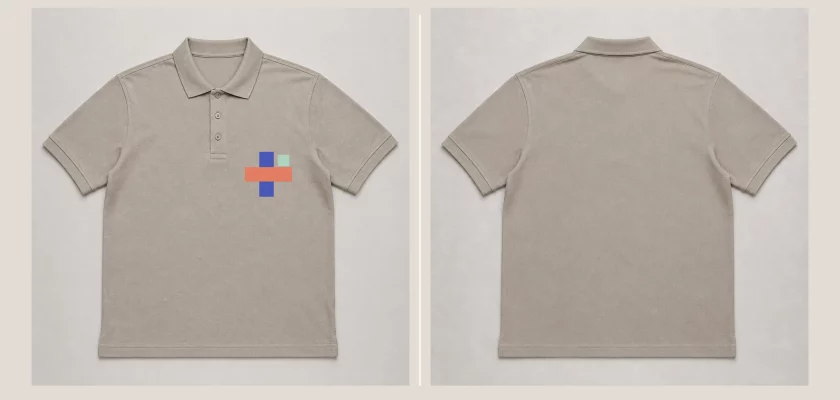
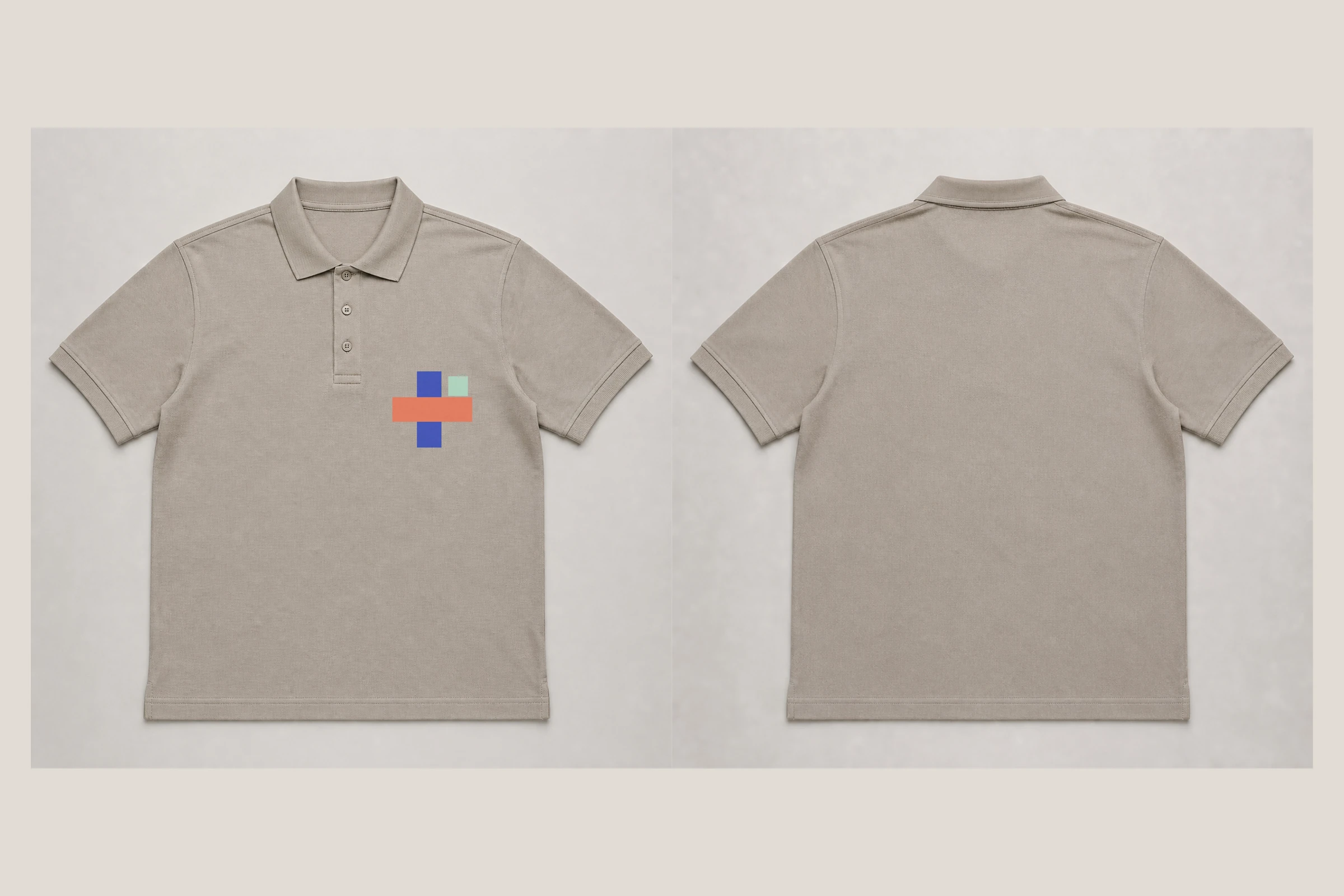
This free polo shirt mockup PSD pack gives you a clean, high-resolution way to present a brand mark, club crest, uniform identity, or small apparel graphic. It includes separate front and back Photoshop files, each prepared at 6400 × 6400 px with editable artwork and visible fabric detail.
↓ Jump to the free download (ZIP, 240 MB)
Polo shirt mockup front and back
The front PSD opens with a compact sample emblem on the wearer’s left chest, a natural placement for company logos, sports crests, staff uniforms, and embroidered-style branding. Replace it through the clearly named Smart Object. The back PSD stays clean by default, but it also includes a hidden optional Smart Object for a larger graphic when your presentation needs one.
White and black polo shirt mockup versions
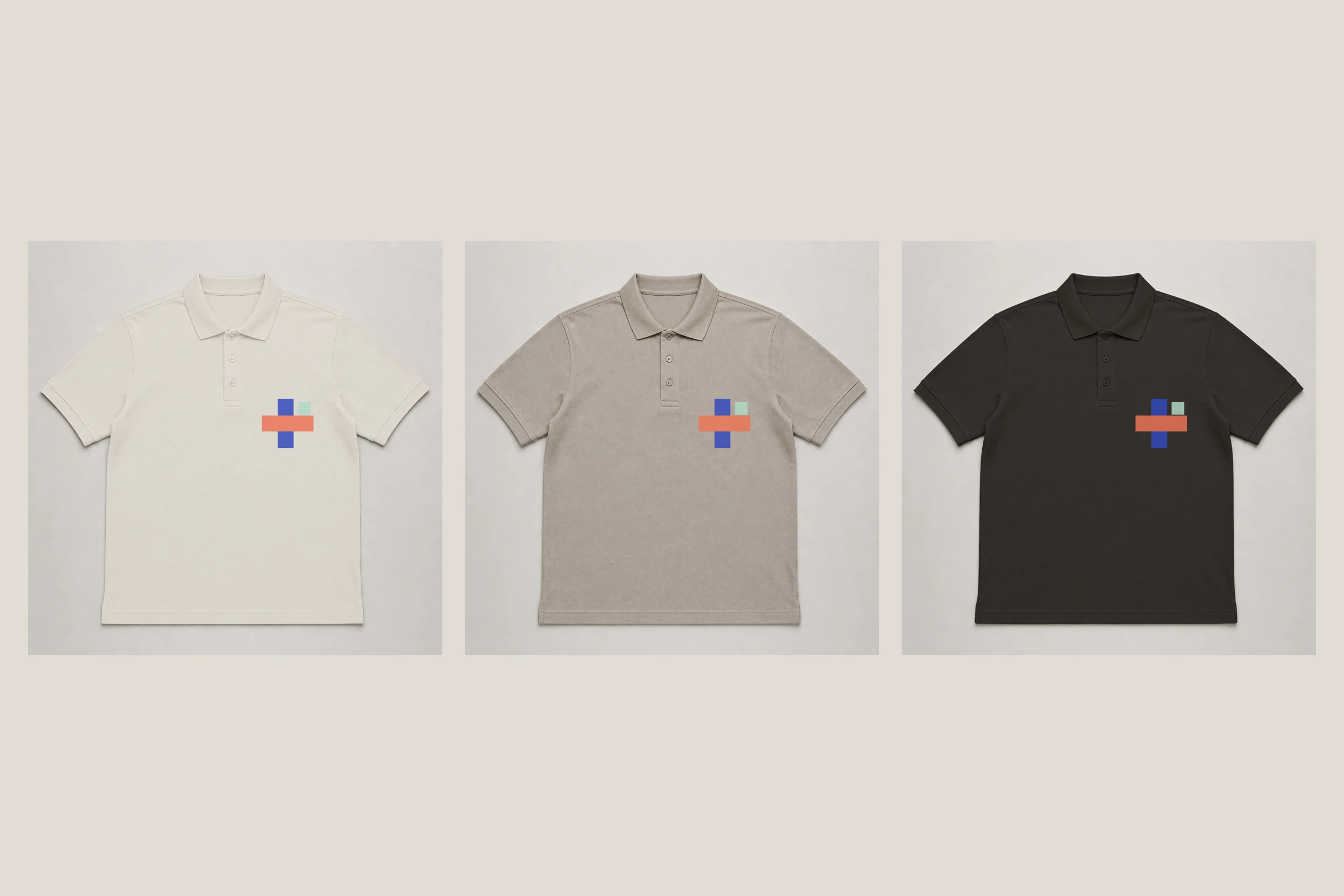
Switch between white, black, and neutral greige shirt layers without rebuilding the scene. A separate custom-color layer is included for other palettes: lock its transparent pixels, fill it with your chosen color, and keep only one full-shirt color visible at a time. The collar and sleeve cuffs have their own color layers, so contrasting trims can be adjusted separately.
Editable Smart Objects with visible fabric texture
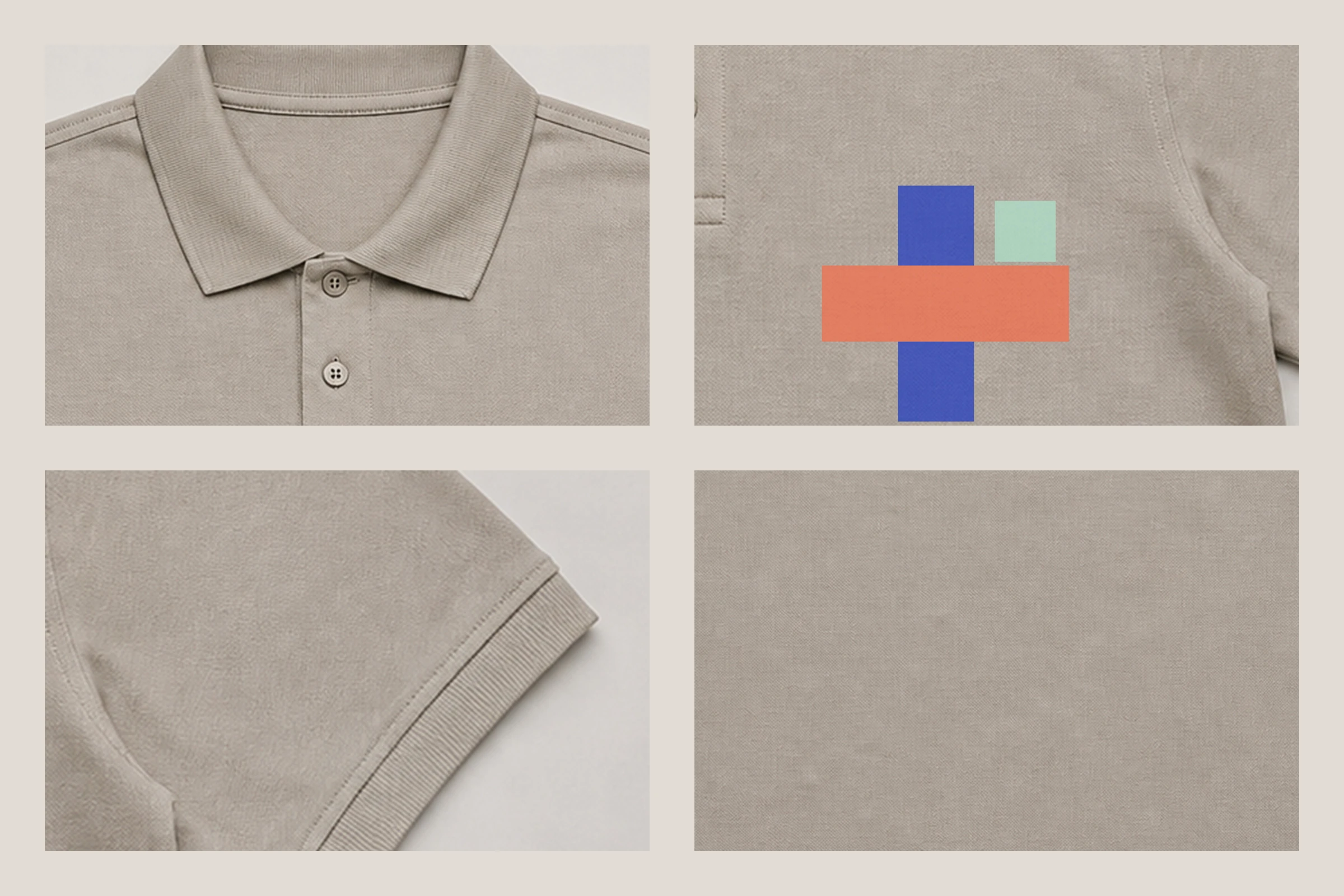
The artwork layers are intentionally smaller than a full-shirt print, leaving the knit texture, seams, collar, placket, buttons, and ribbed cuffs easy to see. The subtle surface detail remains visible through the presentation, which helps a simple logo feel connected to the garment instead of floating above it.
Need the polo on a model, or angles a flat lay cannot give you? Placeit builds polo mockups in the browser — no Photoshop, and you can see the result before paying for anything.
What is included
- Front polo shirt mockup PSD
- Back polo shirt mockup PSD
- 6400 × 6400 px resolution at 300 DPI
- Embedded Smart Object for a left-chest logo
- Optional hidden Smart Object for a larger back design
- White, black, and neutral greige shirt versions
- Custom full-shirt color layer
- Separate collar and sleeve-cuff color layers
- JPG and WebP preview images
- License for personal and commercial projects
How to edit the polo mockup PSD
Open either PSD in Adobe Photoshop and expand the 03 – ARTWORK group. In the front file, double-click LEFT CHEST LOGO. In the back file, first enable OPTIONAL BACK DESIGN if you need it, then double-click its thumbnail. Paste your artwork into the opened Smart Object, save it, and return to the mockup.
Use the layers inside 01 – SHIRT COLOR to choose a shirt version, then recolor the collar or cuffs in group 02 if required. For more apparel presentation options, see the black T-shirt mockup and the apparel packaging mockup.
Free for personal and commercial use
You may use the mockup in personal work, client projects, portfolios, advertising, social media, and product listings. Exported presentation images may be included in finished work. The original or modified PSD source files may not be sold, sublicensed, shared, redistributed, or included in another downloadable mockup collection. No attribution is required.
The base garment imagery was created with generative AI, then prepared, layered, and tested by Mckups as an editable Photoshop mockup.
Frequently Asked Questions
Is this polo shirt mockup free to use?
Yes. Both PSDs are free for personal and commercial projects, including client work, portfolios, advertising, social media and product listings. The only restriction is on the source files themselves: they cannot be resold, shared or bundled into another mockup collection.
Do I need Photoshop to edit it?
Yes. The pack is built around Smart Objects and layered color groups, so it needs Photoshop or another editor with full PSD and Smart Object support. There is no browser or Canva version of this file.
Can I add a design to the back as well?
The back file ships clean, with a hidden Smart Object prepared for a larger back graphic. Enable OPTIONAL BACK DESIGN, double-click its thumbnail, and drop your artwork in.
More free apparel mockups
- Bella Canvas t-shirt mockup
- T-shirt and dad hat mockup in an urban setting
- NYC billboard mockup PSD for the campaign shot that goes next to the shirt
Download the free polo shirt mockup PSD
Download both views in one ZIP and use them for identity presentations, uniform concepts, merchandise previews, ecommerce graphics, and client approvals.
