
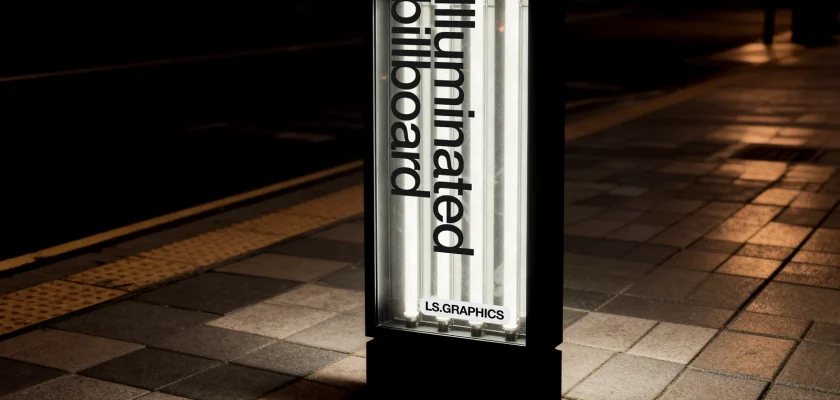
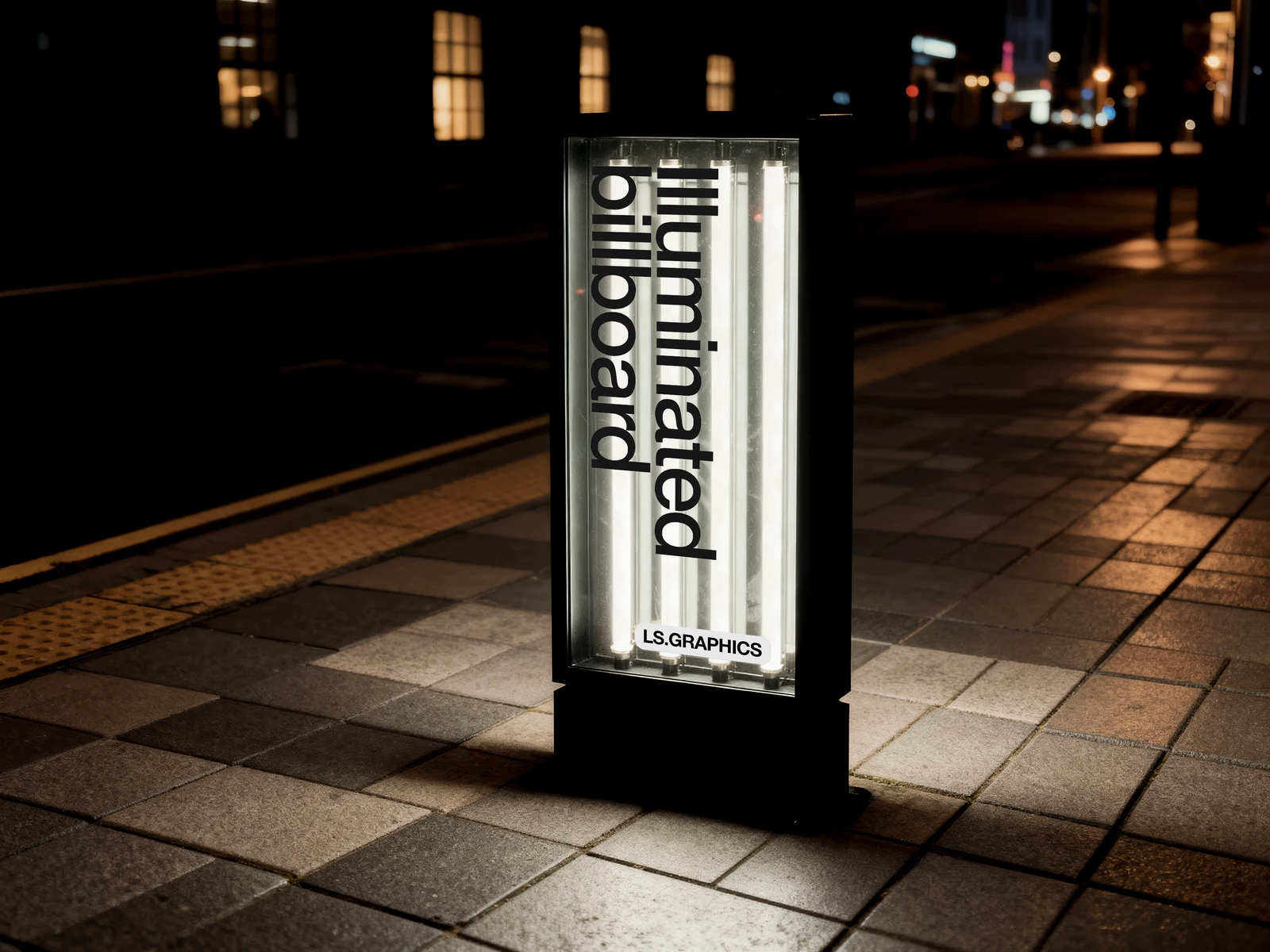
This free pylon mockup from LS.Graphics puts your artwork into a freestanding, backlit street sign at night. It’s a 6000 × 4500 px Photoshop scene with smart layers: you swap the poster, and the glow is already there.
A free pylon mockup that actually looks like night
Most outdoor mockups are shot in daylight. A billboard on a sunny wall, a banner against a blue sky. This one goes the other way.
A tall lightbox stands on a tiled pavement, a building with a few warm windows sits behind it, and the street lights blur out in the distance. The panel is the brightest thing in the frame, so the eye goes straight to your design. That’s exactly the feeling you want when you pitch a city-light or OOH campaign to a client who has only seen it as a flat PDF.
One detail I like: the fluorescent tubes behind the diffuser show through as soft vertical stripes. It’s what real lightboxes do, and it keeps the render from looking like a poster pasted onto a glowing rectangle.
What’s in the free download
- A night street scene with an illuminated pylon, 6000 × 4500 px
- Smart layers for your artwork, built for Photoshop
- An Open in Editor option on the author’s page, if you’d rather work in the browser
Designing for a narrow, backlit panel
The panel is a tall, slim portrait, much narrower than a standard poster. Don’t just drop in an A-series poster and hope. Build the artwork for that shape, or at least check the crop before you show it to anyone.
Those tube stripes matter too. Thin, light-grey type disappears between them. Heavy black lettering, or a dark full-bleed photo with one bright focal point, reads much better. The demo artwork uses huge black type turned on its side, and honestly that’s a good starting point.
To place your design, open the file in Adobe Photoshop, double-click the smart layer, paste your artwork, save and close. The scene updates with the light and shadows in place. Zoom out to 25% afterwards: if the message isn’t clear at that size, it won’t be clear from across the street either.
No Photoshop yet? Adobe's Black Friday sale runs until 27 November: Creative Cloud Pro, with Photoshop, is discounted for new subscribers. Students get the biggest cut.
Where a street pylon mockup fits
I’d reach for it when a client is choosing between formats. Show the same campaign on a classic billboard and on this pylon, and the conversation gets concrete fast. It also suits:
- retail and shopping-mall signage, where pylons and totems guide people from the car park
- event and concert posters that need to feel like they’re already on the street
- bar, restaurant and hotel identities that live mostly after dark
- a moody portfolio shot for a poster series
More free outdoor mockups
For the big-city version, there’s the Times Square billboard mockup. If you need lightboxes mounted on a wall rather than a freestanding sign, try the lightbox poster mockups. And for a daytime scene from the same author, see the construction site banner mockup.
Get the free pylon mockup
Created by LS.Graphics. The button below opens the author’s page, where you sign in with a free LS.Graphics account (Google or email) to download. Check their licence there before using it in client work.
Need more scenes than one free pylon? LS.Graphics is 50% off every plan until December 1 with code BF2026, and the discount stays on renewals.
