
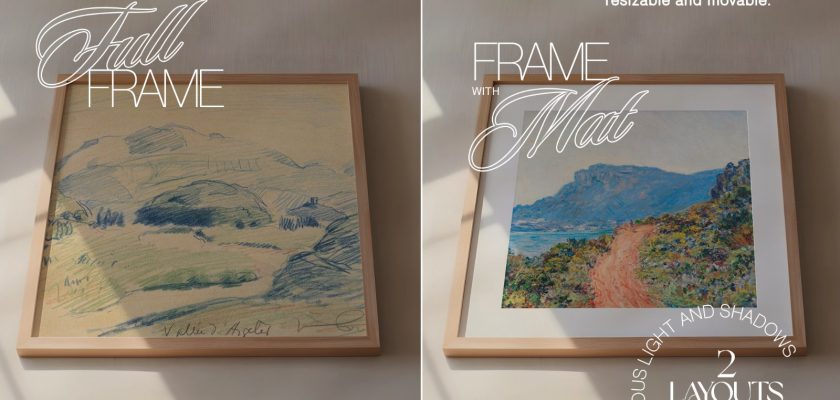
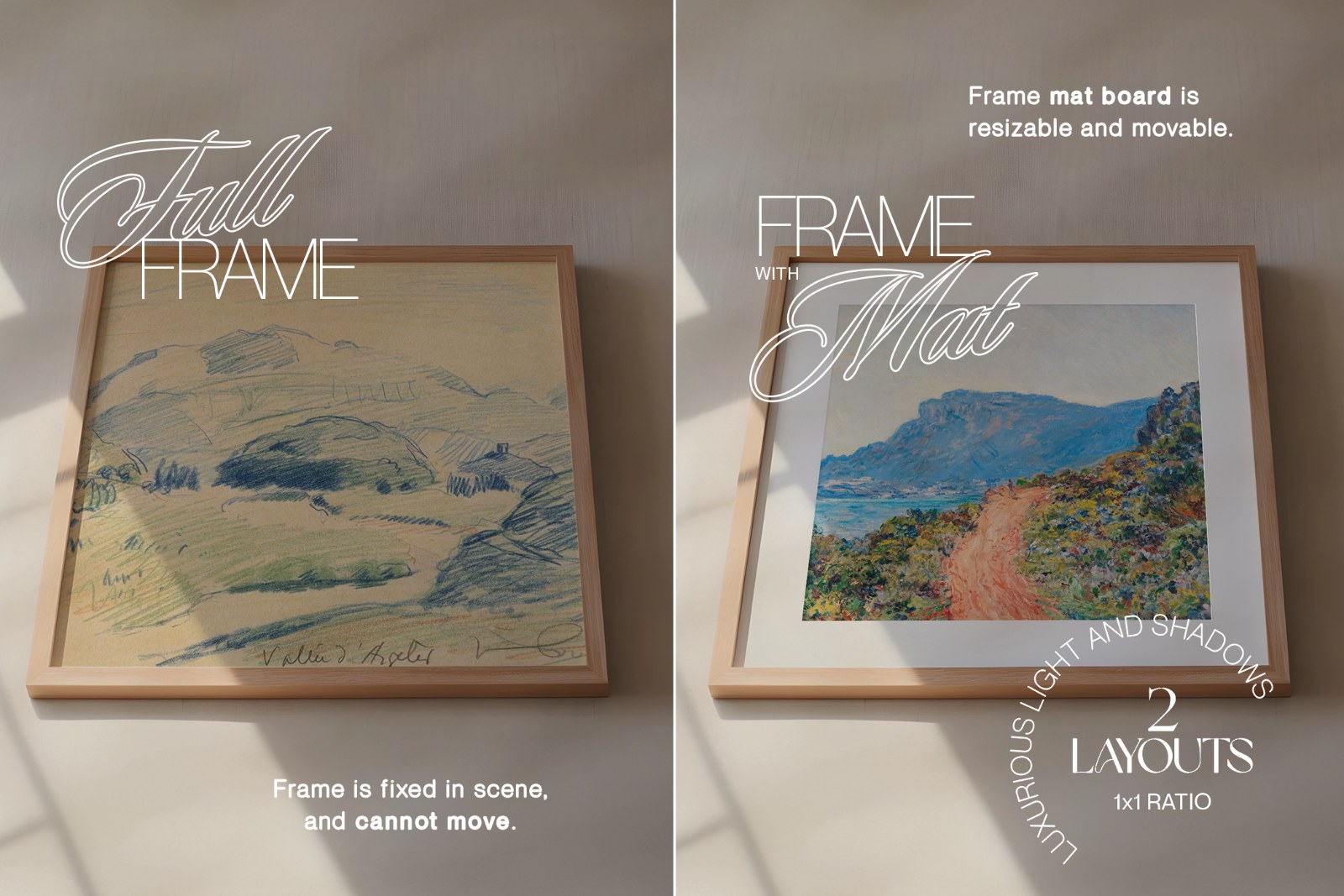
This free frame video mockup is a Photoshop PSD of a square light wood frame on a sunlit wall, animated for 8 seconds, with a smart object for your artwork. It’s free to download from Creative Fabrica.
Still mockups are everywhere. Moving ones, not so much. And a print that sits in a scene that actually moves stops the scroll far better than another flat JPG, especially on Instagram and Etsy, where both take video now.
What’s in the free frame video mockup
- PSD with a prepared smart object for your design
- An .mp4 preview of the animation
- A short PDF how-to from the author
- 2200 × 2200 px, 72 ppi, 1:1 frame, 8 seconds
- Made by wasmockups
The scene is calm. Warm beige wall, soft window light cutting across it, a thin frame in pale natural wood. Nothing fights your artwork for attention.
You get two layouts. One fills the whole frame edge to edge. The other puts your art on a white mat, and that mat can be resized and moved, so a print that isn’t square still fits nicely. The frame itself is fixed in the scene and can’t be moved.
How to make your frame video
Open the PSD in Adobe Photoshop (CS6 or newer), double-click the smart object, place your artwork and save. Then render the clip from Photoshop as a video file. The PDF that comes with the file walks you through it.
No Photoshop yet? Adobe's Black Friday sale runs until 27 November: Creative Cloud Pro, with Photoshop, is discounted for new subscribers. Students get the biggest cut.
Heads up: this one won’t open properly in Photopea. Video mockups need Photoshop.
One tip from experience. The frame is square and the clip is square, so square art looks best in the full-frame layout. Portrait or landscape prints? Use the mat layout and size the mat around them instead of cropping your work.
Great for
Etsy listing videos for printable wall art. An Instagram post or Reel when a new print drops, since 1:1 is a native feed size. Photographers showing a fine-art print, illustrators teasing a new piece, or a shop homepage that needs a little movement without a whole product shoot.
More free frame mockups
- All free art and poster mockups
- A still wood frame poster mockup
- Gold frame mockup in a soft living room
FAQ
Is the frame video mockup really free?
Yes. Creative Fabrica lists it as a freebie at €0.00, and you don’t need to start their free trial to get it.
Can I use it in Photopea or Canva?
No. The author says video mockups don’t work in Photopea, and the file is built for Photoshop CS6 or newer.
Can I use it for products I sell?
Yes, for showing your own work, like a print in a shop listing. You can’t resell or share the mockup file itself.
Download the free frame video mockup
The file is on Creative Fabrica as a freebie: €0.00, no trial needed. Sign in or create a free account there, then hit “Download for free”. The button below opens the file page.
