
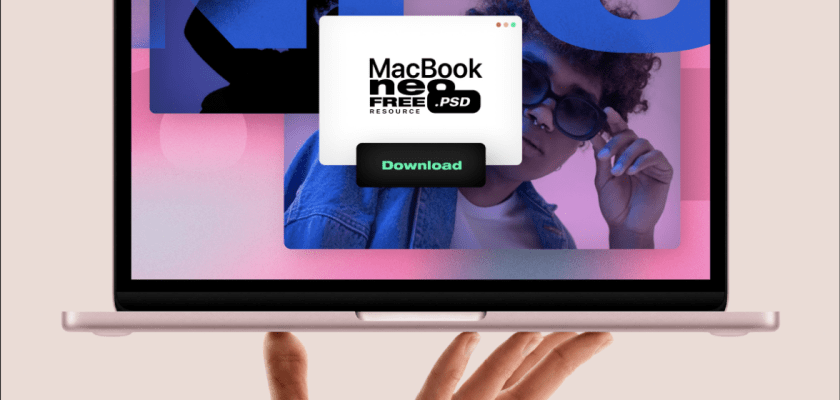
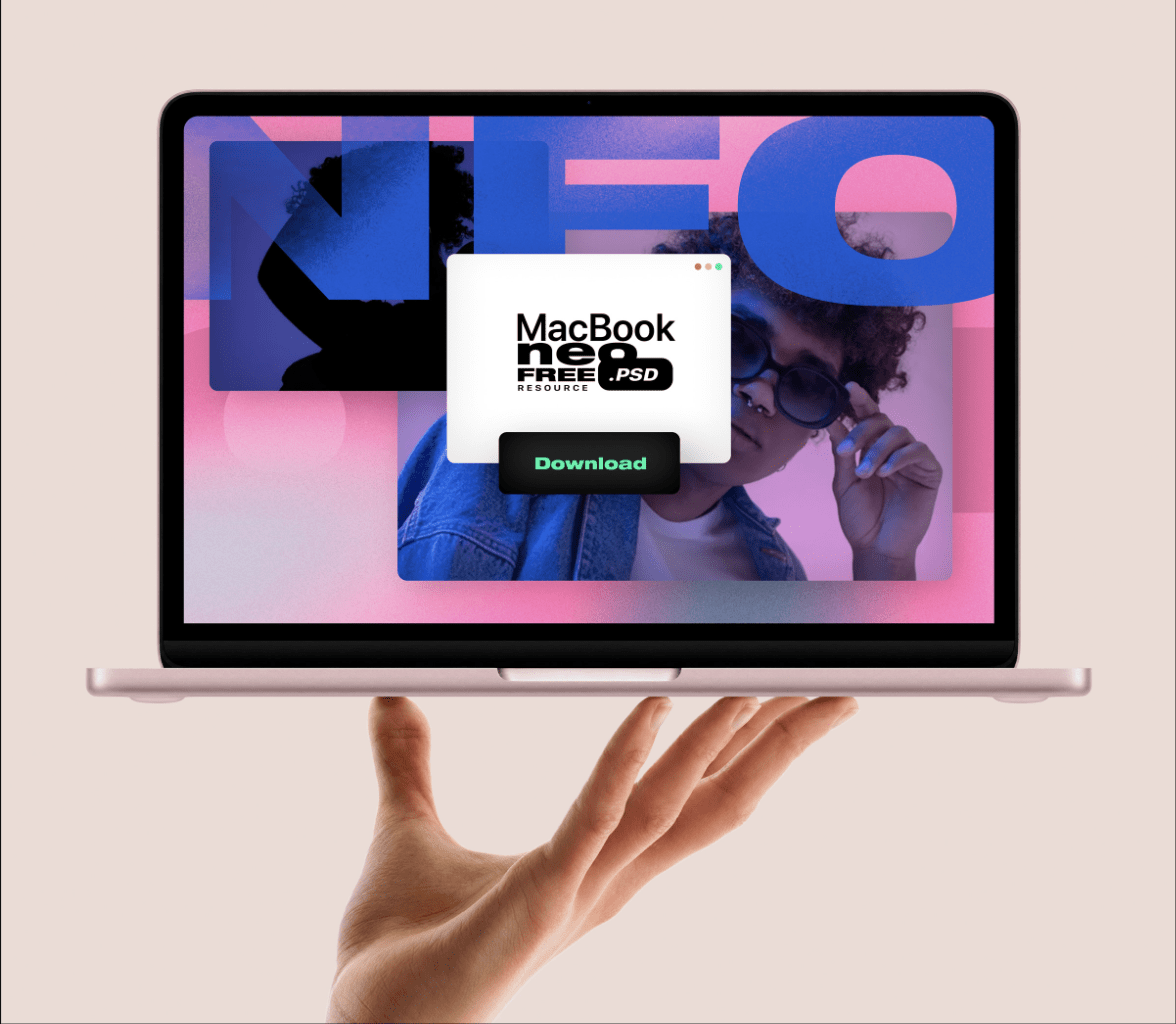
Here’s a free MacBook Neo mockup for presenting a website, app screen, or UI concept without another predictable desk scene. This free MacBook Neo mockup is a high-resolution PSD with a smart-object screen you can update in seconds. The front-on device is balanced above one hand against a quiet gray background, so your work stays in the spotlight.
Pixeden may ask you to sign in with a free account; its free plan includes up to five free downloads per day.
What you get with this free MacBook Neo mockup
The 64.8 MB download is a PSD with a smart-object screen, supplied at 8000 × 6000 px and 300 dpi. You can replace the display content, switch between the included device colors, and change the background color to suit your project.
The composition is almost straight-on, with a single hand balancing the laptop beneath a thin strip of shadow. Soft studio light and plenty of pale negative space give it a clean, launch-day feel. I like the slightly surreal balance most: it can make even a restrained dashboard look like a product campaign without burying it under desk props.
How to use it
Open the PSD in Adobe Photoshop, find the screen smart object, and double-click its thumbnail. Paste in your website screenshot, app interface, or other artwork, scale it to the canvas, then save and close the smart-object tab. Back in the main file, your design will sit inside the screen with the mockup’s perspective and lighting already applied; finish by choosing a device color and matching the background to your brand.
Great for
Use the scene to sharpen a digital-product branding pitch, preview a landing page before launch, or turn a portfolio case study into a stronger cover image. Its centered crop also works neatly for a social post or a presentation slide, while the hand gives the otherwise minimal setup enough personality to stop it feeling clinical.
More free mockups you’ll like
- MacBook Mockup on Luxe Velvet Chair for a warmer, high-end lifestyle presentation.
- Wide Screen MacBook Mockup on Vintage Car when your UI needs a darker, cinematic scene.
- Multi-Device Mockup for showing the same responsive design across a MacBook, iPhone, and iPads.
Created by Pixeden. Full download on their page.
