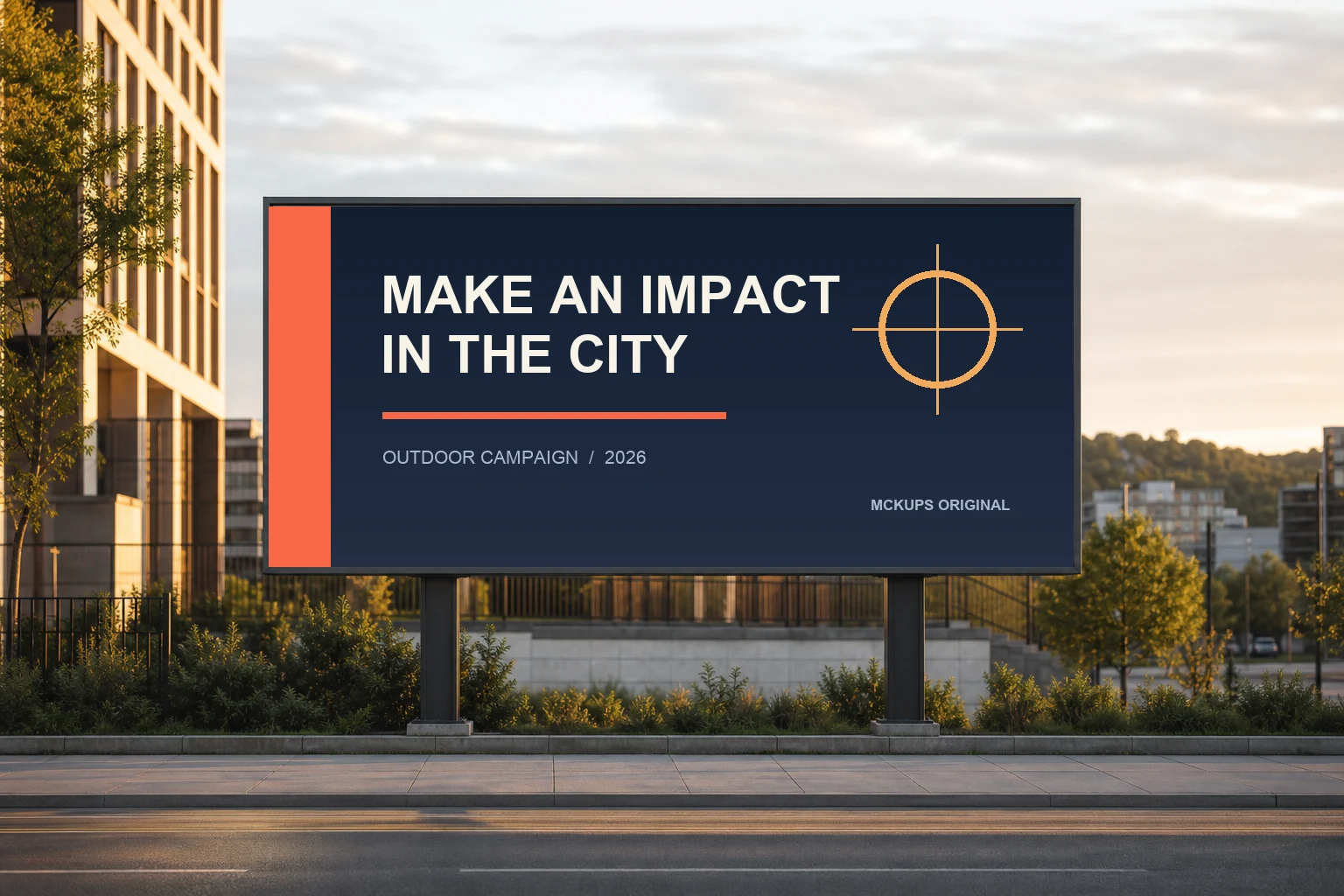
Some billboard mockups let the location overpower the work. This one keeps the city believable while giving your artwork the space it needs. The Urban Billboard Mockup PSD is built around a straight-on roadside display in warm late-afternoon light. Add a campaign, poster, event graphic or brand concept and you have a polished presentation in a few minutes.
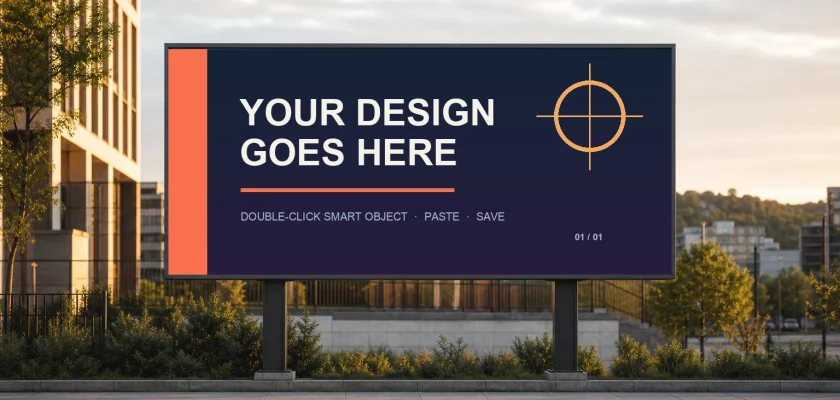
The download includes a layered 1536 × 1024 PSD with an embedded Smart Object. The billboard artwork area measures 920 × 412 pixels, or approximately 2.23:1, so it is easy to prepare a design before opening the mockup. This free urban billboard mockup is made for screen presentations, portfolio images and client previews.
Free for personal and commercial use
The scene and editable file were tested in Adobe Photoshop and come with a clear Mckups license. You can use the finished presentation in personal and commercial projects without attribution. Please do not resell or redistribute the PSD itself.
What’s included
- Layered PSD file at 1536 × 1024 pixels
- Embedded Smart Object for the billboard artwork
- 920 × 412-pixel sample and replacement designs
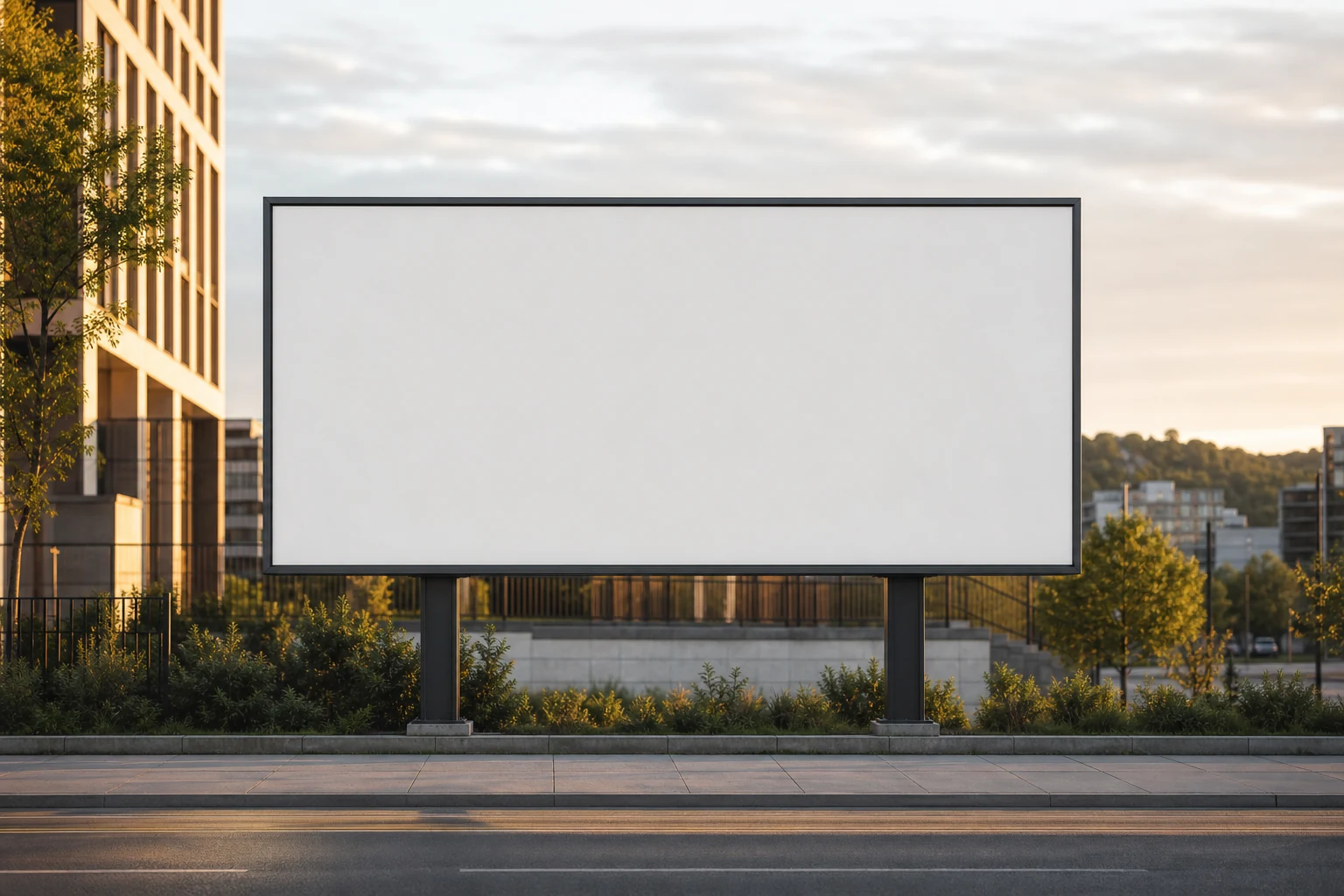
- Blank billboard scene
- JPG and PNG preview files
- Mckups license for personal and commercial use
The front-facing panel keeps the edit simple: there is no steep perspective to fight and no need to rebuild the artwork around a complicated angle. The warm city background adds context, but the billboard remains the focal point.
How to edit the billboard Smart Object
- Open
urban-billboard-editable-mockup.psdin Adobe Photoshop. - Find the layer named
01 - EDIT DESIGN (DOUBLE-CLICK). - Double-click the Smart Object thumbnail, or use Layer → Smart Objects → Replace Contents.
- Add your artwork and scale it to fill the canvas.
- Save the Smart Object with Cmd/Ctrl + S, then close its tab.
- Return to the main PSD and export the finished scene as JPG or PNG.
For the cleanest result, prepare artwork at the native 920 × 412-pixel size or use the same 2.23:1 aspect ratio. Keep logos and essential copy away from the outer edge so they have room to breathe inside the billboard frame.
Need the desktop app? Get Adobe Photoshop here.
Good fits for this scene
Use the editable billboard mockup for outdoor ad concepts, fashion campaigns, product launches, movie or event posters, public-service messages and portfolio case studies. The straight-on composition also makes it useful when you want to compare two creative directions without perspective changing how either layout reads.
More outdoor advertising mockups
Need a busier city location? Try the Times Square Billboard Mockup. For an indoor urban placement, the Subway Billboard Mockup includes a lightbox-style setting. You can also browse the full Outdoor Mockups collection for street, wall and transit scenes.
Download the free urban billboard mockup
The download is free for personal and commercial projects. Attribution is appreciated but not required. Redistribution, resale, sublicensing and uploading the source files to another mockup or stock library are not permitted.
Frequently asked questions
Is this urban billboard mockup free for commercial use?
Yes. You may use presentations exported from the PSD in personal and commercial projects. You may not sell or redistribute the source PSD, blank scene or included sample assets.
How do I replace the billboard artwork?
Open the PSD in Photoshop and double-click the Smart Object layer named 01 - EDIT DESIGN (DOUBLE-CLICK). Paste your design, save the Smart Object and return to the main document.
What artwork size should I use?
The embedded design area is 920 × 412 pixels, with an aspect ratio of approximately 2.23:1. Larger artwork with the same ratio also works well.
Can I use the preview image as a standalone stock photo?
No. The preview and blank scene are included to help you use the mockup. They may not be redistributed, resold or offered as standalone stock images.
