
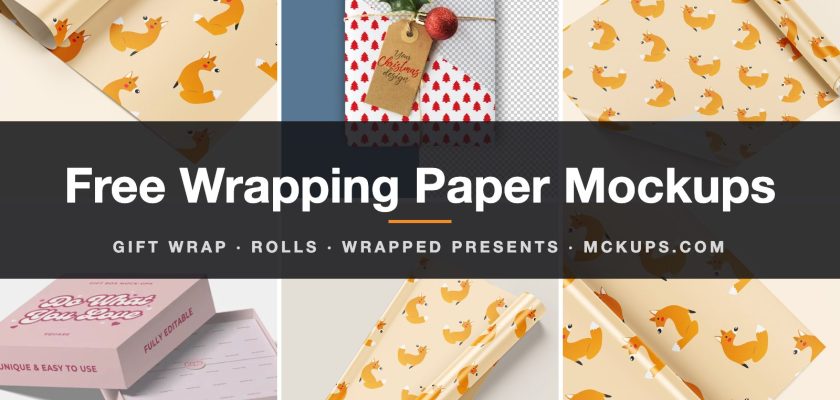
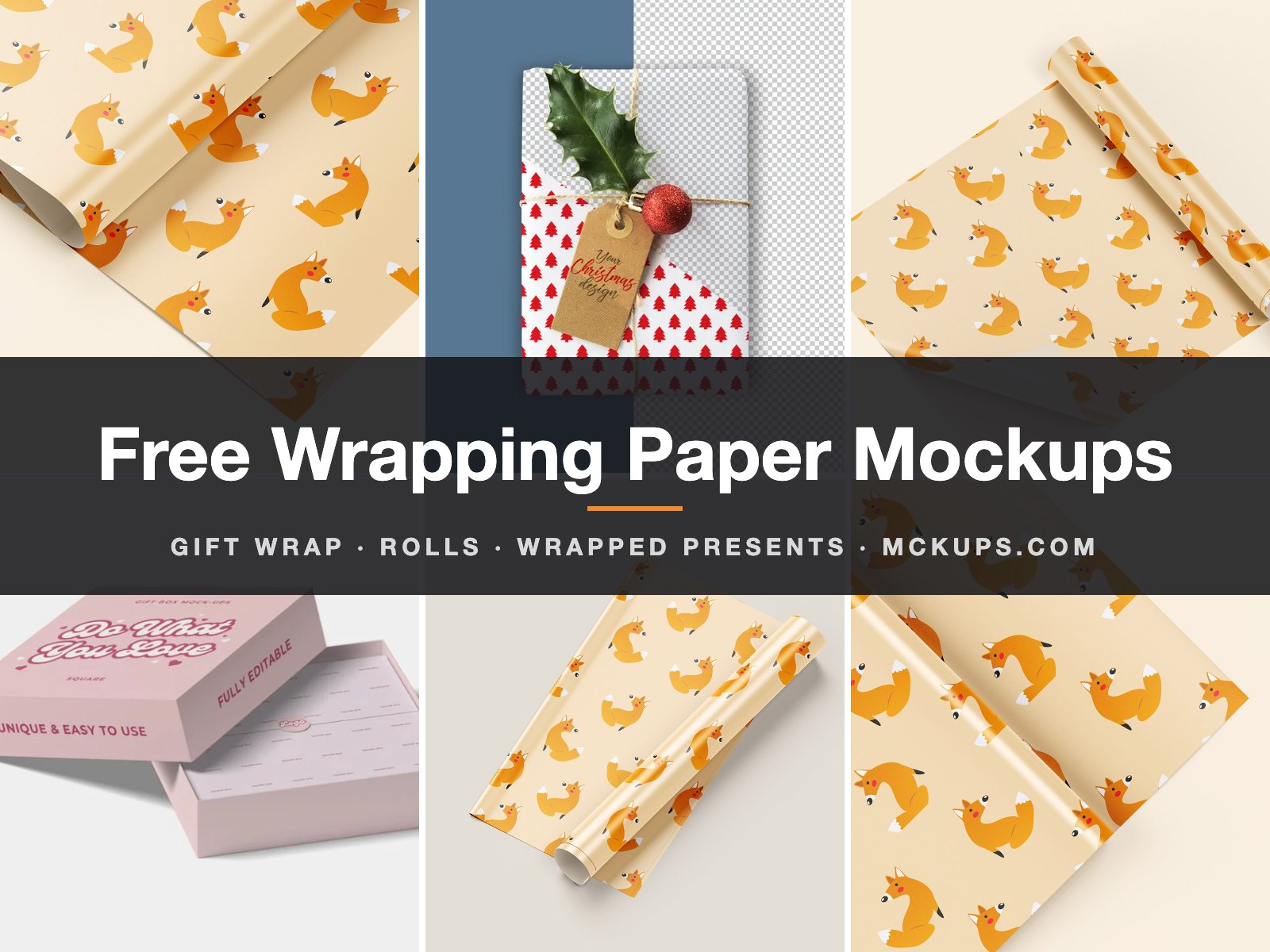
This page collects six free wrapping paper mockups: layered Photoshop files for gift wrap patterns, from flat sheets and half-unrolled rolls to wrapped Christmas presents with ribbons and tags. Four link straight to their creators and two are posts here on Mckups. Every file was checked as free on 5 November 2026.
A repeat pattern can look perfect as a flat swatch and wrong on a roll. The motif reads smaller once paper curls, and a seam you never noticed suddenly sits right on the fold. That’s what a wrapping paper mockup is for. If you sell gift wrap on Etsy or pitch a holiday pattern collection, it’s the difference between “nice tile” and “I’d buy that”.
↓ Not sure which one? Jump to the quick picks
Free wrapping paper mockup PSD files
1. Wrapping paper sheets and rolls (5 PSDs)
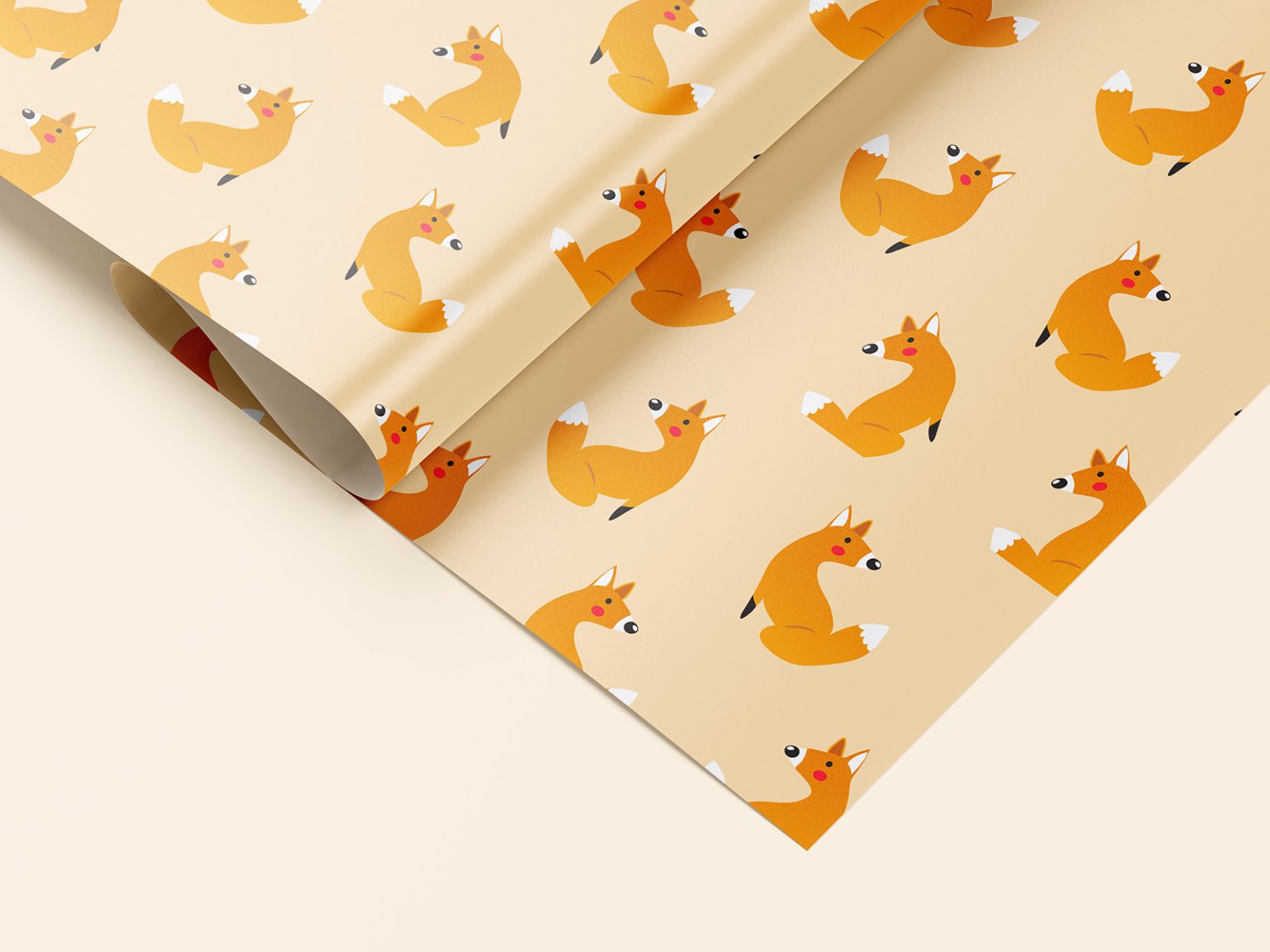
The one to start with. Five Photoshop files show the same paper from different angles: a sheet spread flat, a roll lying half open, a close-up of the curl, and two top views on a plain background. You can change every colour, including the background. Mockups Design gives it away for personal and commercial use with no attribution, and there’s no sign-up before the download. If you don’t have Photoshop, the same mockup opens in their online editor.
I’d use the close-up for an Etsy listing thumbnail and the top views for a pattern collection sheet. Get the wrapping paper mockup from Mockups Design.
2. Christmas gift wrap with ribbon and tags
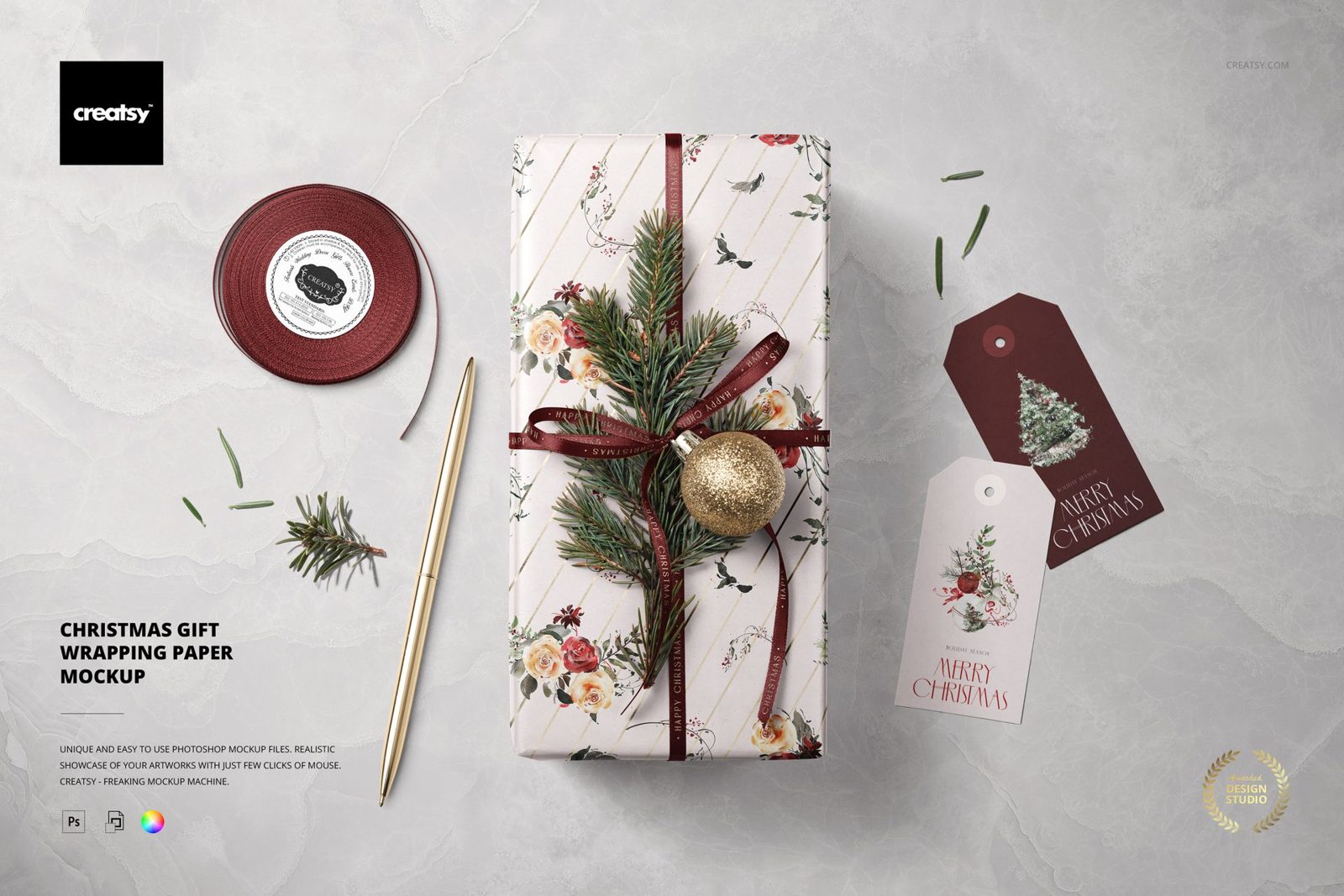
A neatly wrapped present seen from above, styled with a bauble and fir sprigs, a ribbon roll and paper tags. It’s one layered PSD at 6000 × 4000 px, 300 dpi. Separate smart objects take the wrapping paper and the tags, and you can recolour the ribbon, the pen, the bauble and the background. There’s even an optional metallic print effect for the paper.
It needs Photoshop CC 2020 or newer, or it works in Photopea for free. Creatsy’s freebie licence covers personal and commercial projects for one user or brand; you can’t resell the PSD itself. Creatsy asks for a free account before the download starts. Download the Christmas gift wrap mockup from Creatsy.
3. Wrapping paper roll and gift box
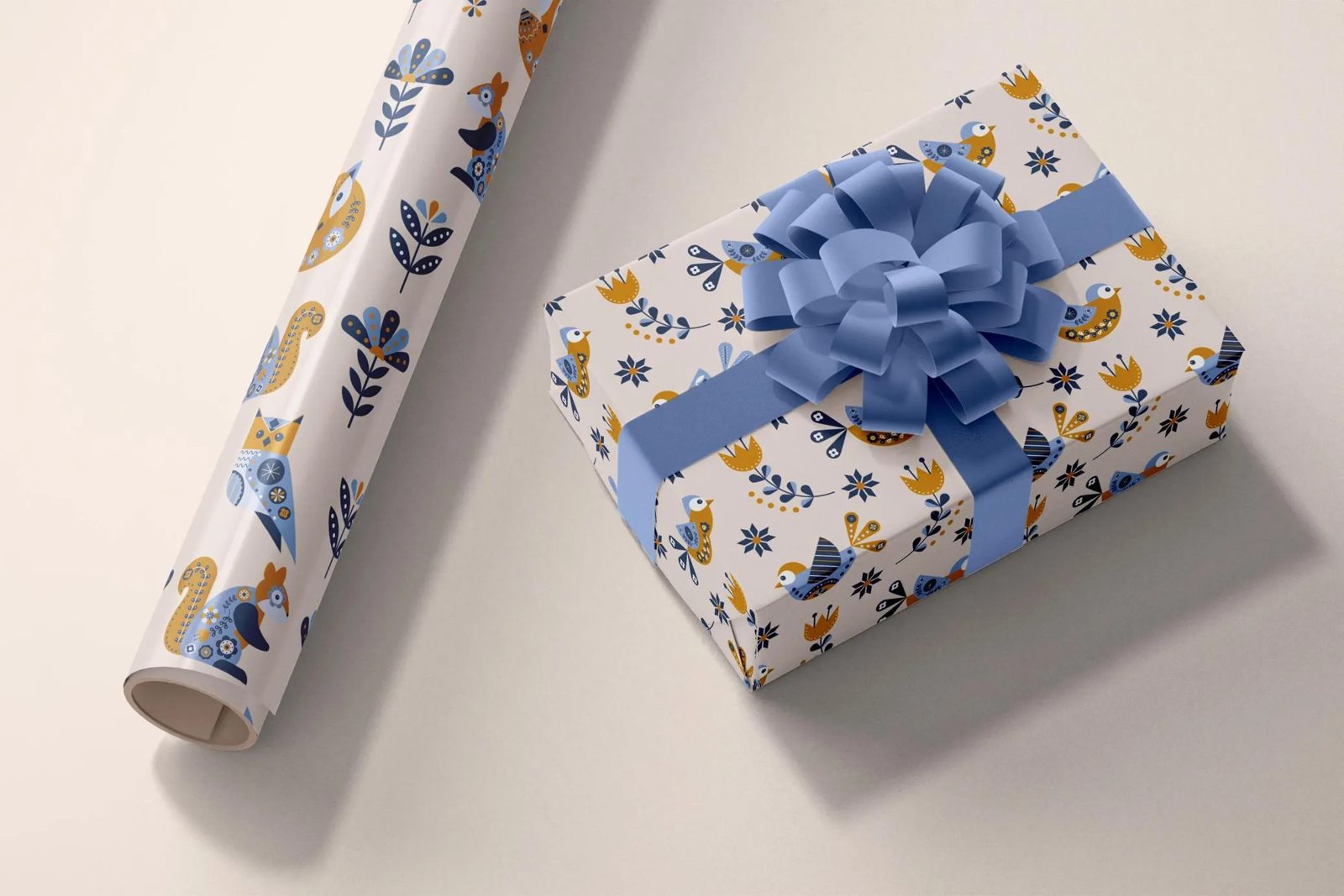
Two objects in one scene: a roll of wrapping paper and a box wrapped in the same design. That pairing is useful. Buyers want to see the pattern flat on the roll and folded around a corner at the same time. Both items sit on separate layers, so you can move them around, and the shadows are isolated and adjustable. An editable FX folder is included. The PSD is 118.4 MB, made by Catkie for Pixel Buddha.
Licence note: the free download comes with Pixel Buddha’s personal licence. For commercial work they point you to their paid licences. Without an account you get one free download a day; after that Pixel Buddha asks you to sign up (free). Wrapping paper and box mockup on Pixel Buddha.
4. Gift wrap package with a label seal
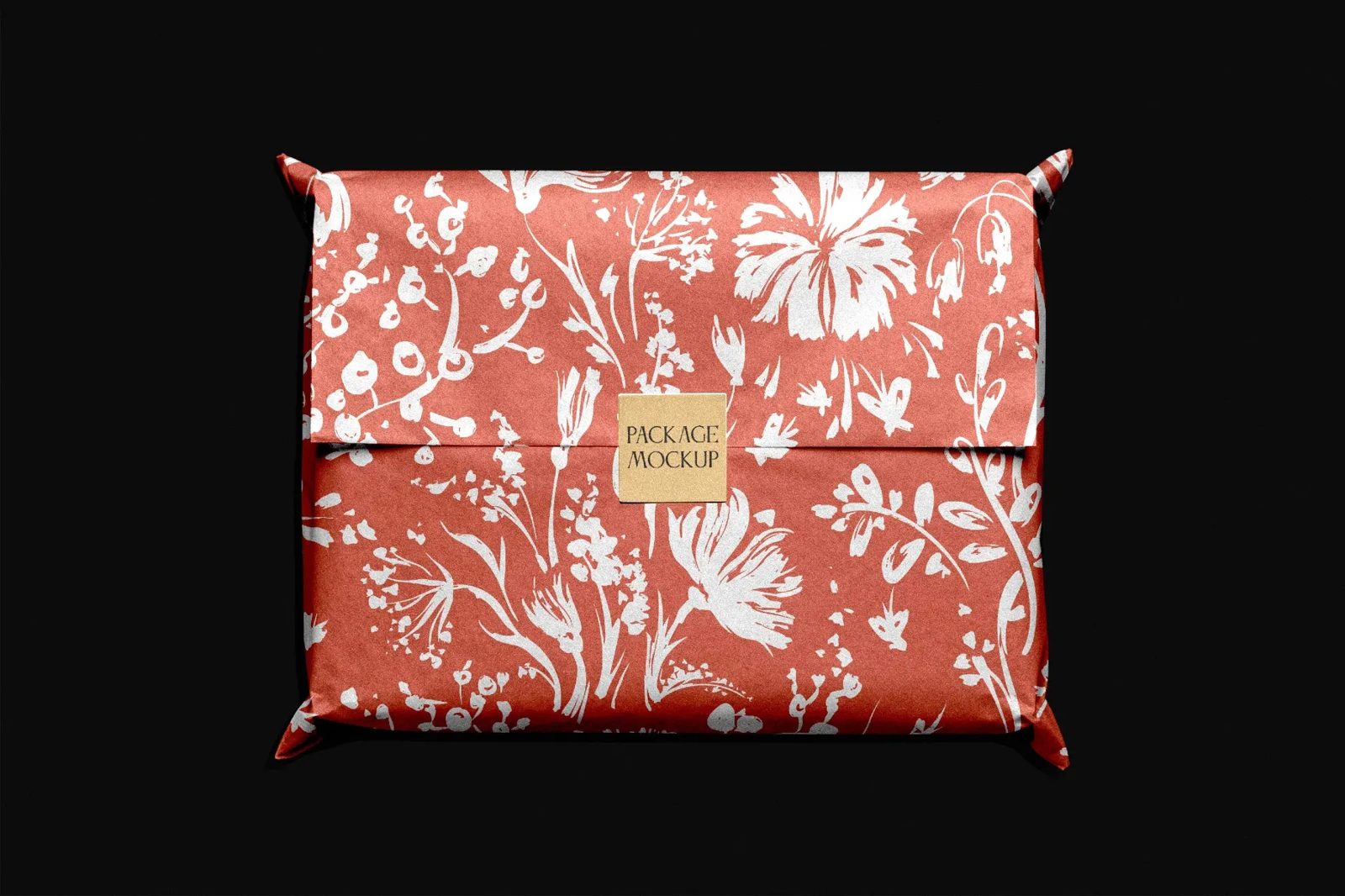
A loose, natural-looking parcel under soft overhead light, with the folds and corners doing most of the work. Smart objects take the wrapping paper and the square label seal separately, so you can show a pattern and a shop sticker together. 4500 × 3000 px, 300 dpi, PSD. Good for boutique packaging and subscription-box pitches. Same personal licence and the same one-free-download-a-day rule as the one above. Gift wrap package mockup on Pixel Buddha.
5. Wrapped Christmas present with a kraft tag
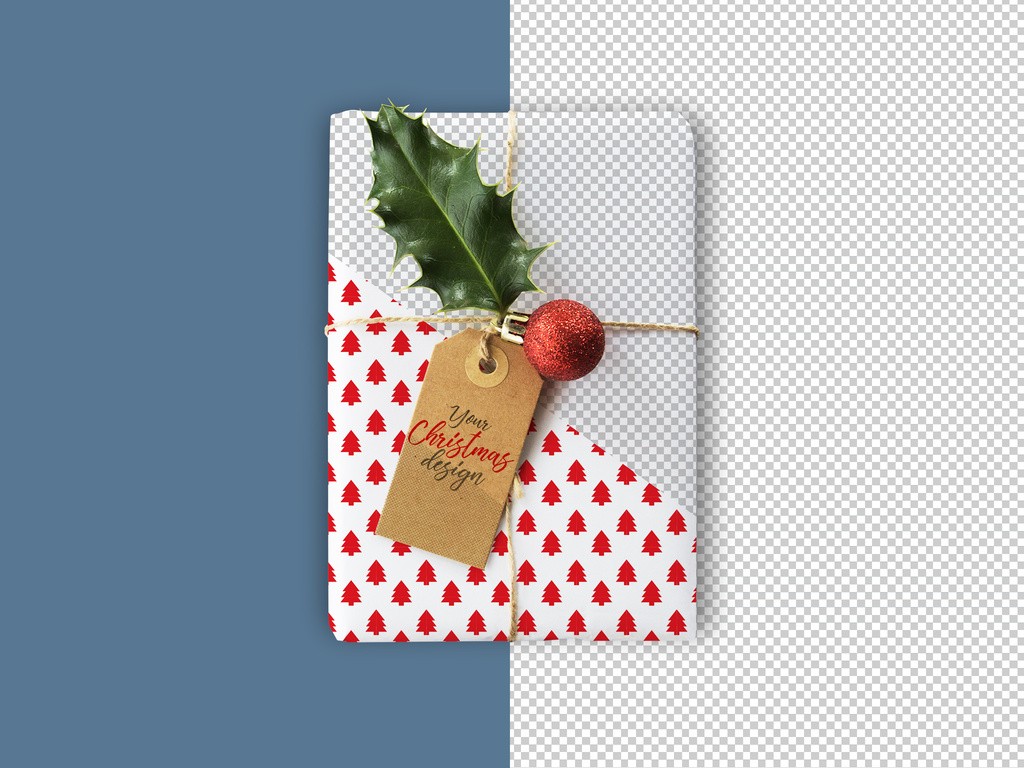
A present shot from above, tied with twine, with a kraft tag, holly and a red bauble on top. The wrapping takes your pattern through a smart object and the tag takes your lettering. 5184 × 3456 px, from Adobe Stock’s free collection (you need a free Adobe account to download). Details and the download are on our free Christmas gift box mockup page.
6. Square gift box with a wrapping paper design

Not a wrapped parcel but a rigid square box whose wrapping paper design, colour and logo are all editable. Pick this one if your pattern is going onto branded packaging rather than a roll. 4500 × 3000 px, 300 dpi. See the pink square gift box mockup post for the download.
How to put your pattern on a wrapping paper mockup
Open the PSD in Adobe Photoshop and double-click the smart object thumbnail. Don’t paste a single tile and stretch it. Define your tile as a pattern (Edit → Define Pattern), then fill the whole smart object canvas with it. That keeps the repeat at a real-world scale.
Then check two spots before you export. The curl, where a seam in your repeat will show first. And the fold on the box, where small motifs turn into noise. If the pattern looks busy there, scale it up by 20–30% and look again. Real gift wrap is usually printed bigger than designers expect.
Can you use these free gift wrap mockups for client work?
Mockups Design (#1) and Creatsy (#2) allow commercial use. The two Pixel Buddha files (#3, #4) are free for personal projects only. The Adobe file (#5) comes under Adobe Stock’s standard licence. For #6, read the author’s terms on Behance before using it in paid work.
Which free wrapping paper mockup should you pick?
- Showing a pattern collection, flat and on a roll: #1
- Christmas listing or holiday social post: #2 or #5
- Pattern on the roll and on a wrapped box in one image: #3
- Shop packaging with a sticker or seal: #4
- Rigid branded gift box: #6
- No Photoshop: #1 in the Mockups Design online editor, or #2 in Photopea
Need more angles or a full set of scenes? Mockup Cloud sells a gift wrapping paper mockup set and a few other wrapping paper files for $12–16.
