

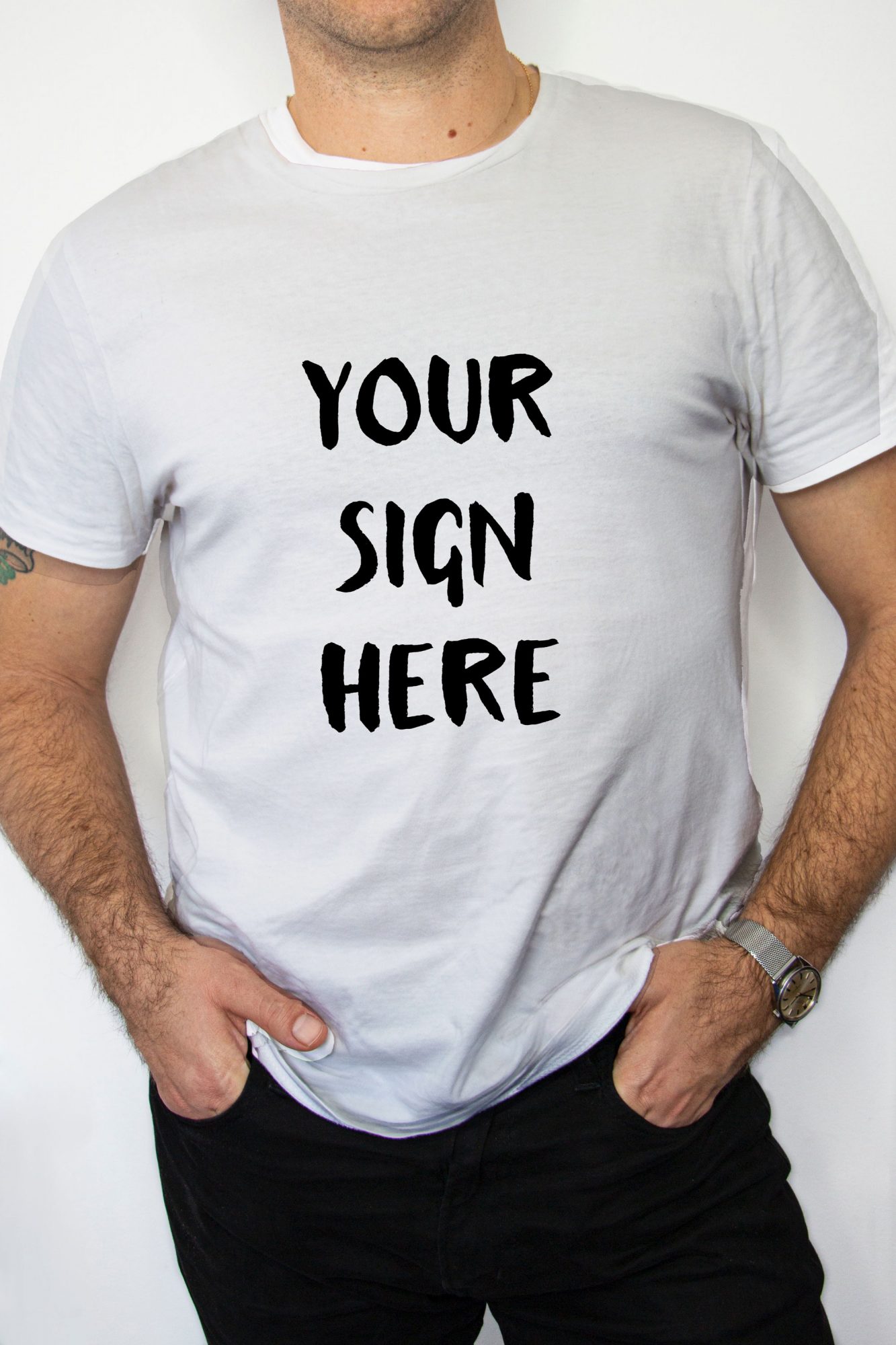
This free white t-shirt mockup is a PSD for Photoshop. You get one smart object for your artwork, a guide layer that marks where the print sits, and a 3648 × 5472 px photo that still looks sharp when you crop in close. Download the ZIP, open the file, paste your design.
Working in colour instead? The pink t-shirt mockup is built on the same smart-object template.
What’s in the free white t-shirt mockup PSD
- File format: PSD, zipped (112.3 MB)
- Layers: smart object for your design, plus a guide layer
- Resolution: 3648 × 5472 px, portrait
- License: free for personal and commercial use
- Software: Adobe Photoshop
How to add your design
Open the PSD in Photoshop and double-click the smart object thumbnail. Paste your artwork into the window that opens, save, close it. The shirt updates on its own. Keep the guide layer on while you position the print and switch it off before you export.
Why white? It hides nothing. Every colour shows the way it will print, and there’s no dark fabric to cover up weak contrast. I’d use this one to check pastel palettes or thin line art before an order goes to the printer.
Need more than one style? Our polo shirt mockup PSD, front and back works the same way.
