
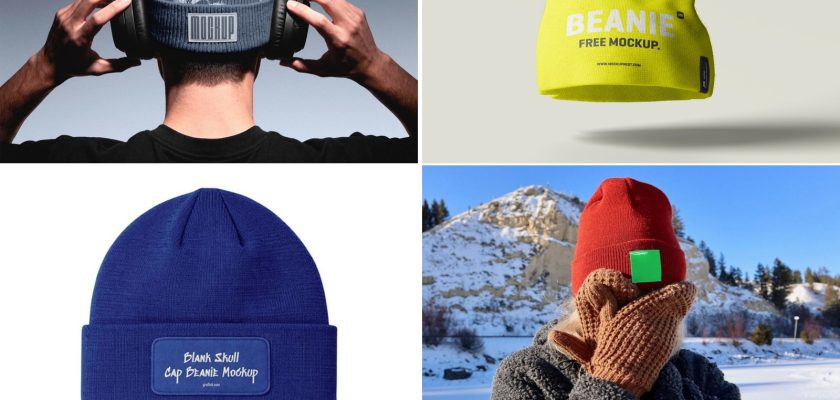
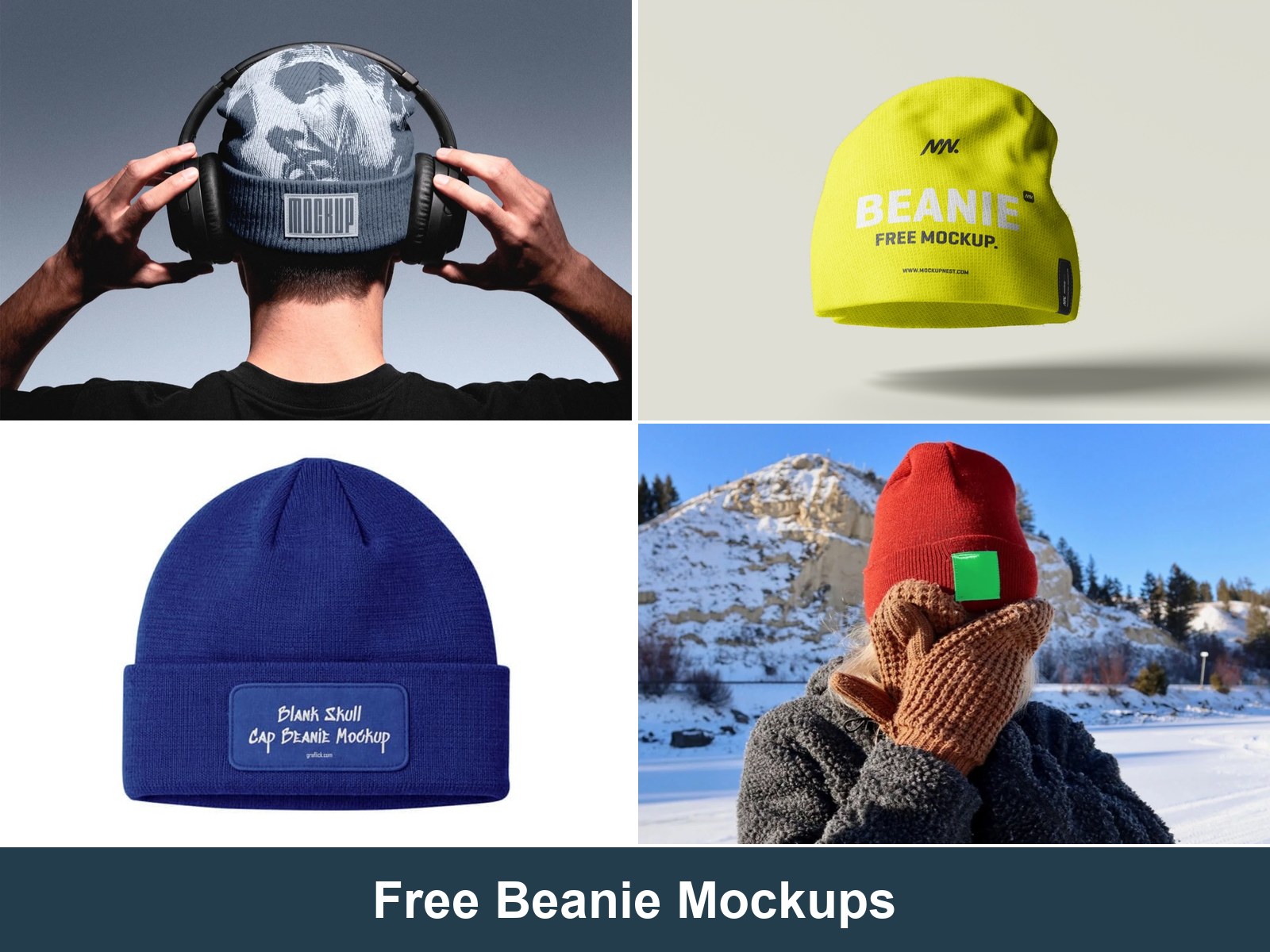
These free beanie mockups are Photoshop files for showing a logo, patch or label on a knit hat. Pick from four free downloads, or use the paid online editor below if you work without Photoshop.
For winter merch, the angle matters. A close-up shows off a woven label, while a wider shot gives you room for a logo on the crown. Download availability and licence details were checked on 12 November 2026.
Free beanie mockup PSD files
1. Knit beanie with a cuff label (Pixel Buddha)
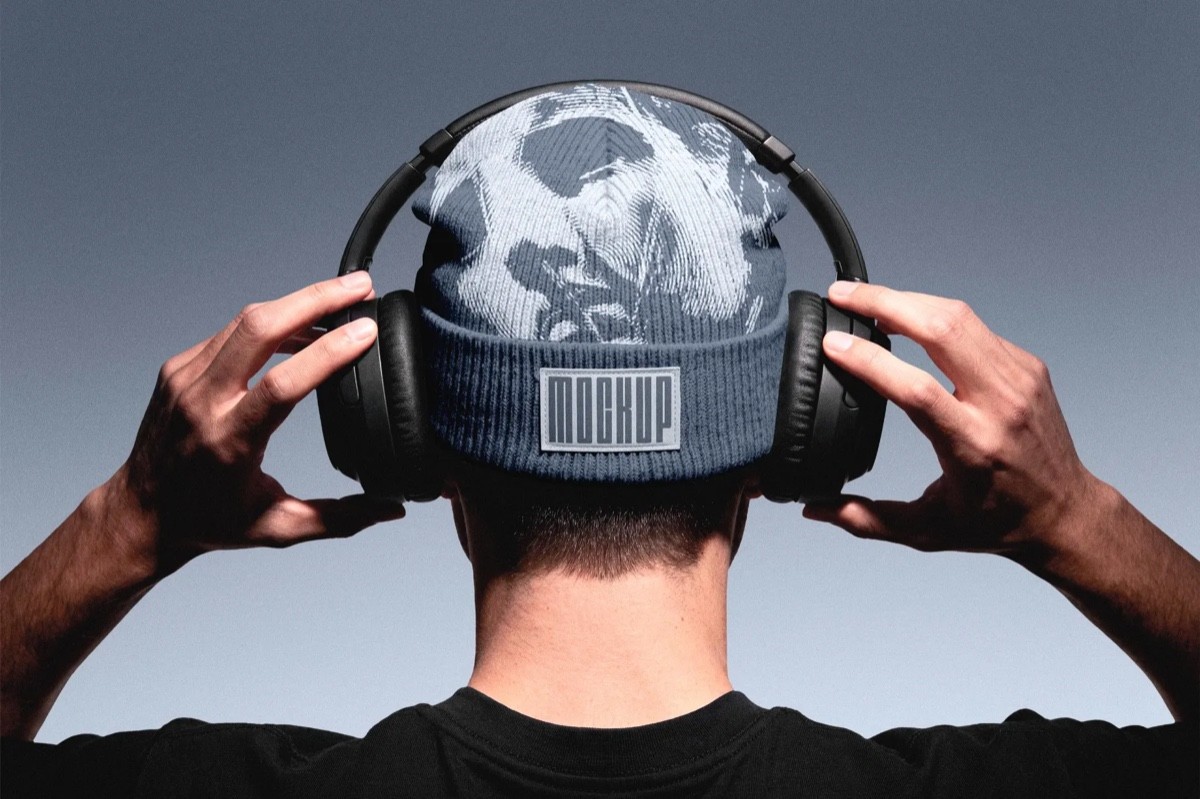
The best-looking free one I found. A model wears the beanie, shot from behind, so the crown artwork and a rubber label on the cuff both sit in frame. Two smart objects (crown and label), editable knit colour, 4500 × 3000 px at 300 dpi. The free version comes with a personal licence. Client work needs a paid licence, and without an account you get one free download a day.
Download the knit beanie mockup →
2. Beanie hat mockup, three angles (Mockupnest)
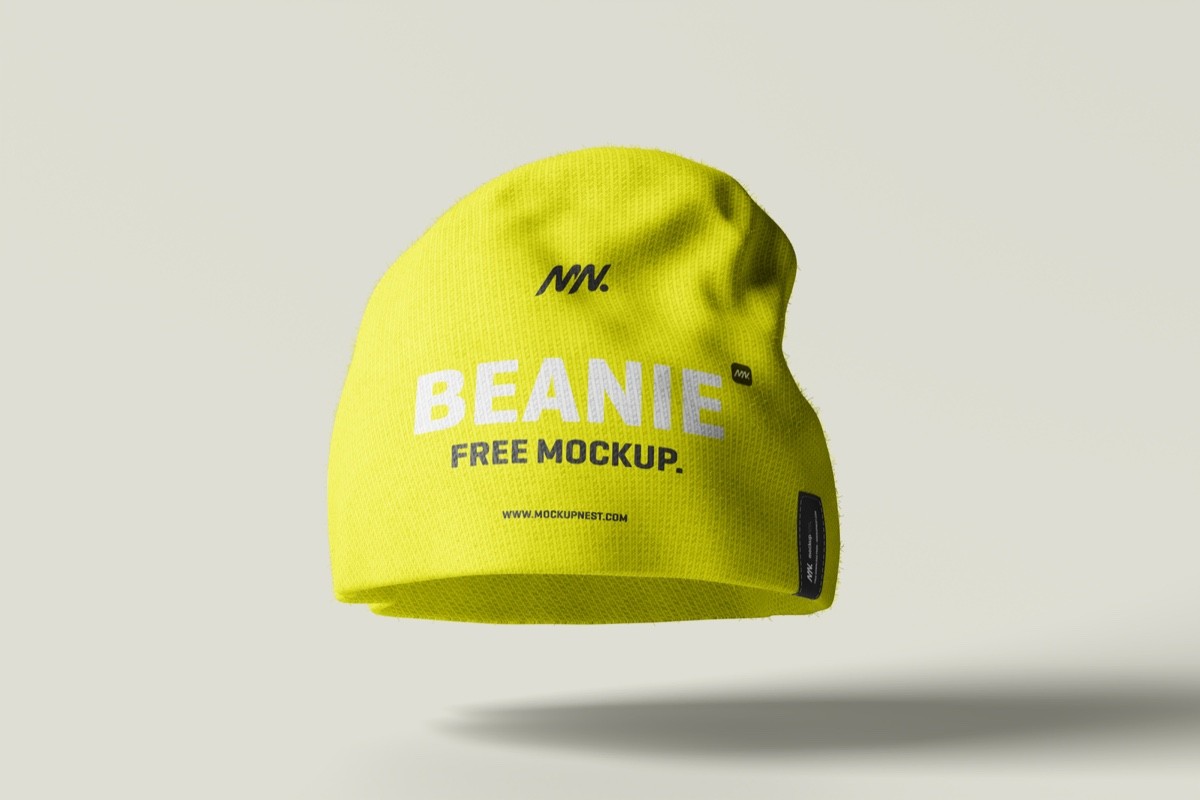
Three PSDs with the same plain beanie from different angles and scenes. Good when you need a blank beanie mockup for a product page with front and side views. Swap the design through the smart object. Free for personal and commercial use, per the site.
Download the beanie hat mockup →
3. Distressed skull cap beanie (Graflick)
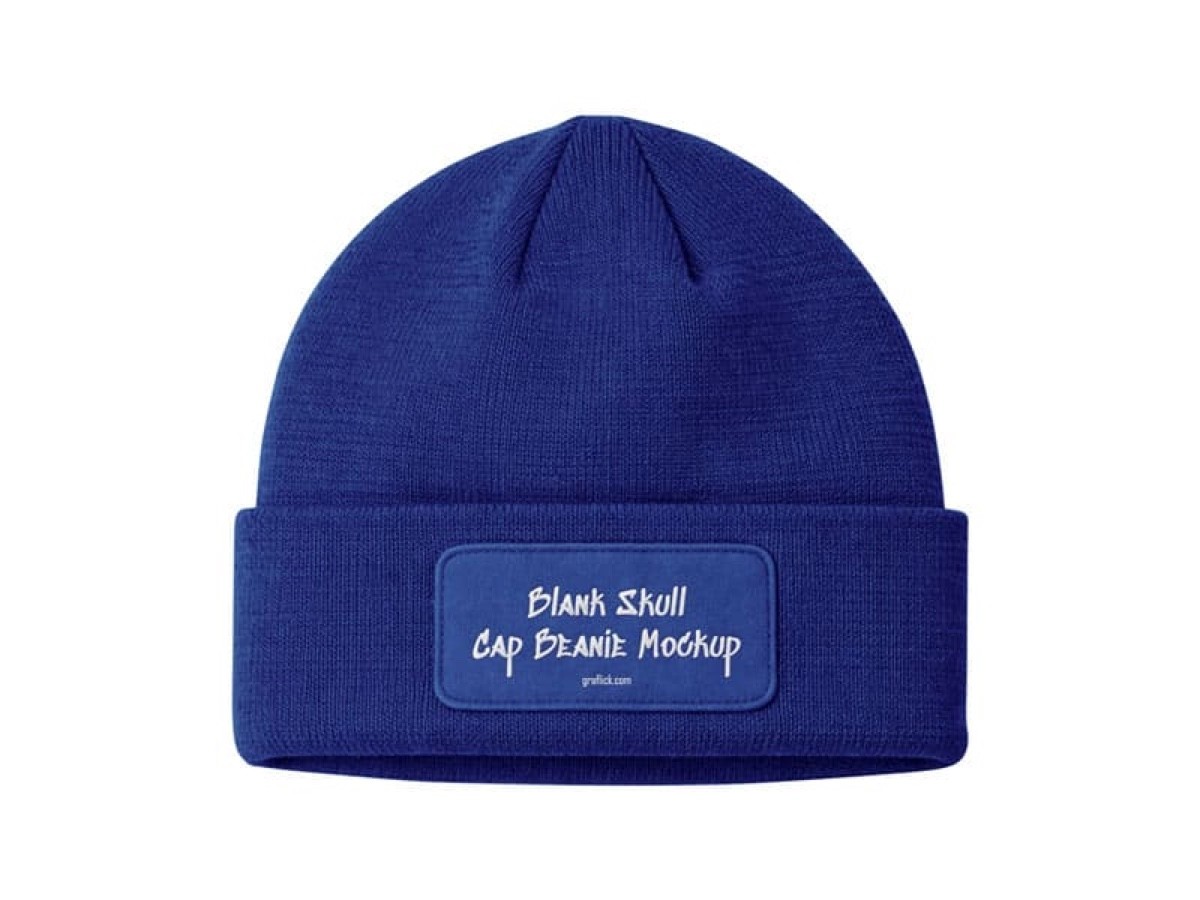
A blank, slightly worn skull cap. It suits streetwear and band merch better than the clean studio files. Layered PSD with a smart-object design layer and a direct ZIP download. The page doesn’t state a licence, so ask the author before using it for a client.
Download the skull cap mockup →
4. Winter hat with a woven label (Mckups)
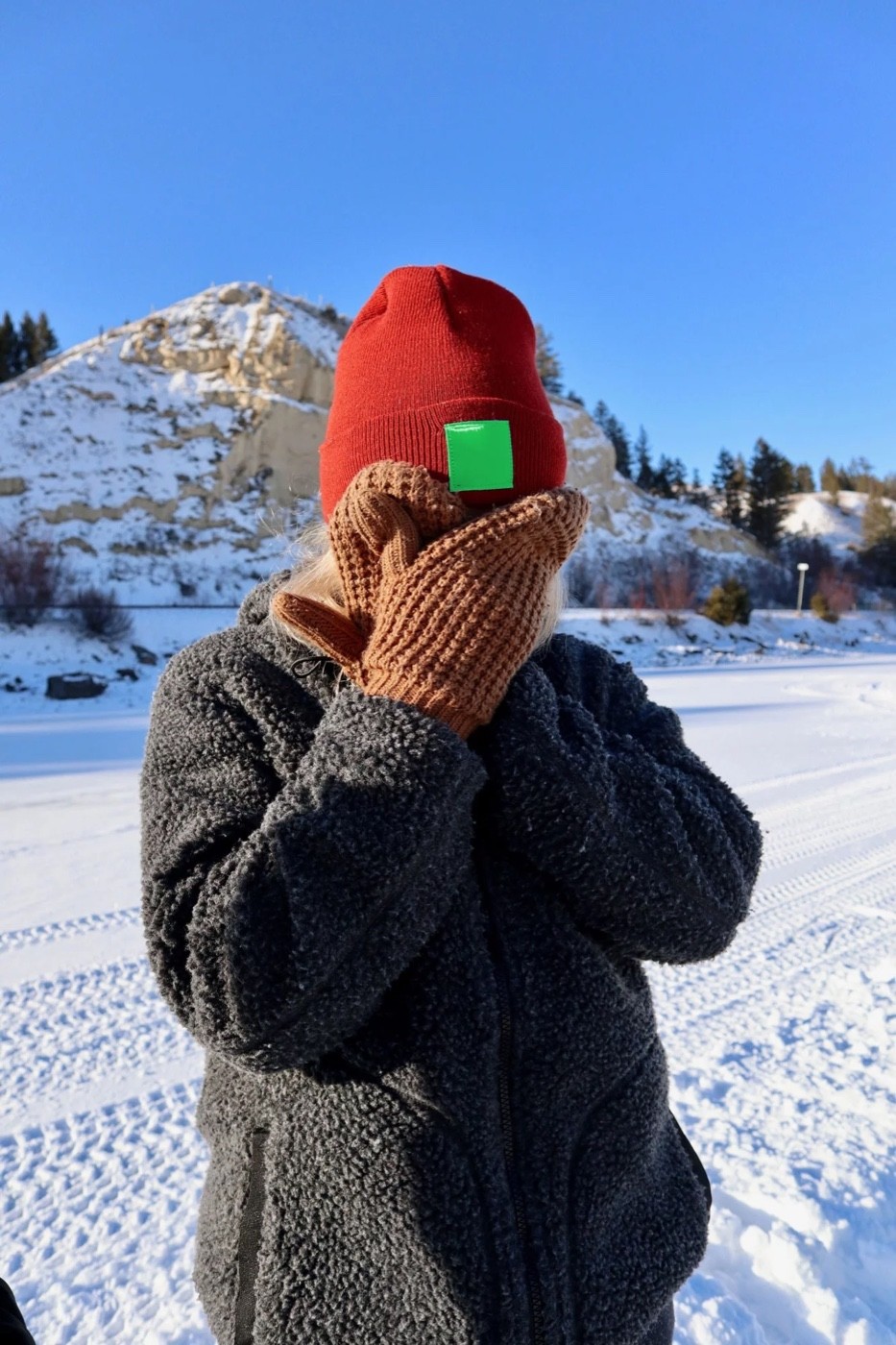
Our pick for label and tag designs. Paste your label into the “Replace me” smart object. The 4000 × 6000 px PSD is free for personal and commercial use and downloads straight from Mckups.
No Photoshop? A paid beanie mockup in the browser

In this Placeit template, you can change the beanie colour and background and add your logo right in the browser. Downloading the result requires a paid Placeit plan.
Open the beanie mockup in Placeit →
Which template to use for a blank, plain or black beanie
For a black beanie mockup, take #1 and set the knit colour to near-black. Pure black kills the knit texture. For a blank beanie template on a listing, #2 gives you the most angles. I’d use #1 for an embroidered logo on the crown and #4 for a woven tag.
Whichever you pick, open it in Photoshop, keep the logo under about a third of the cuff width, and check it at phone size.
No Photoshop yet? Adobe's Black Friday sale runs until 27 November: Creative Cloud Pro, with Photoshop, is discounted for new subscribers. Students get the biggest cut.
Need more angles? MockupFree.co sells beanie and winter hat packs, with three views in each pack.
More winter apparel: free hoodie mockup PSDs, the baseball cap mockup, and the full apparel mockups collection.
