
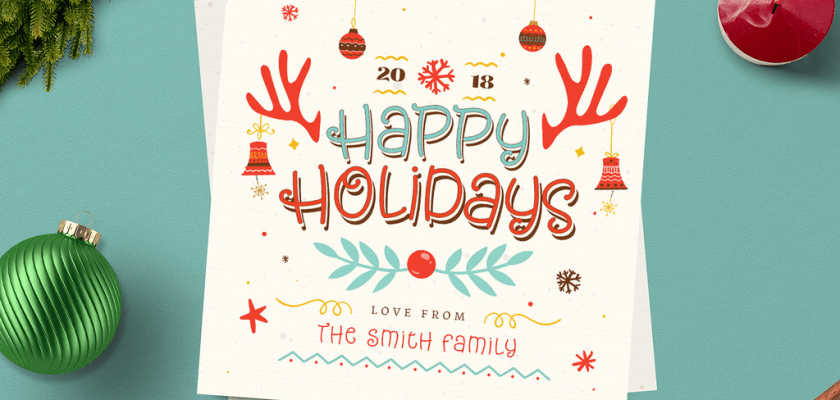
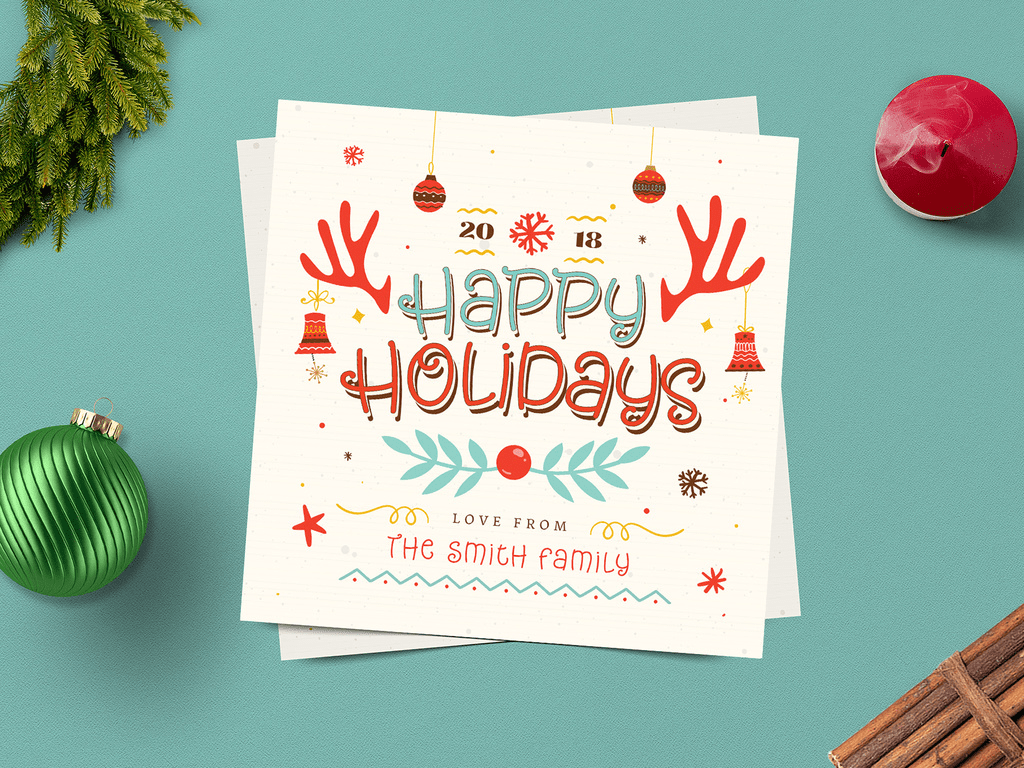
This free Christmas card mockup is a square Photoshop template for digital holiday greetings. Adobe Stock supplies it as a PSDT file, sized at 1080 × 1080 px, with editable text and colours.
Use it for a studio greeting, a shop’s December post or an illustrated holiday message. It’s a social media layout; for a photograph of a printed card, see the options linked below.
What’s in the free Christmas card mockup
- A 1080 × 1080 px Photoshop template in PSDT format
- Text you can replace with your own greeting
- Colours you can adjust to suit your brand
Before you download
Adobe Stock lists this template as free. The download opens on Adobe’s site, where you may be asked to sign in. Downloading the template and having access to Photoshop are separate things: the free file doesn’t include a Photoshop subscription.
How to edit the holiday card in Photoshop
Open the PSDT file in Adobe Photoshop to create a working document. Start with the background and accent colours, then replace the greeting. This makes it easier to choose readable text colours.
Add your logo and any photographs you want to use. Check the Layers panel for the relevant editable layers; Adobe confirms text and colour customisation, but doesn’t specify a smart-object workflow for this template.
Keep the message and logo comfortably inside the edges. Preview the image at the size you’ll share it, and check any crop before exporting. Save a layered working copy so you can reuse the greeting next December.
Choose your Christmas card mockup
Use this square template for a digital greeting on social media or in an email. Presenting a printed card instead? The free Christmas card and envelope mockup gives you three PSD scenes, including a top view. No Photoshop at hand? Try the online Christmas card mockup editor. The greeting card mockup collection has more angles.
For a longer note or stationery presentation, see the Christmas letter mockup.
Need baubles, gift boxes or a festive phone screen as well? You’ll find all free Christmas mockups in one place.
Make the greeting feel like yours
A short message, a clear logo and colours your clients recognise usually do more than a crowded composition. If you’re sharing an illustration, give it room and keep the greeting secondary. For an email, check that the words remain readable on a phone.
